Encryption
Encrypt Atlas's partition at install: the password is asked at every start, and the keyboard must be a Latin one.
Without the password, nothing can be read
If you lose the disk's password, nobody can recover your files, not even us. There is no backup key. Write it down and keep it somewhere safe.
What it is for
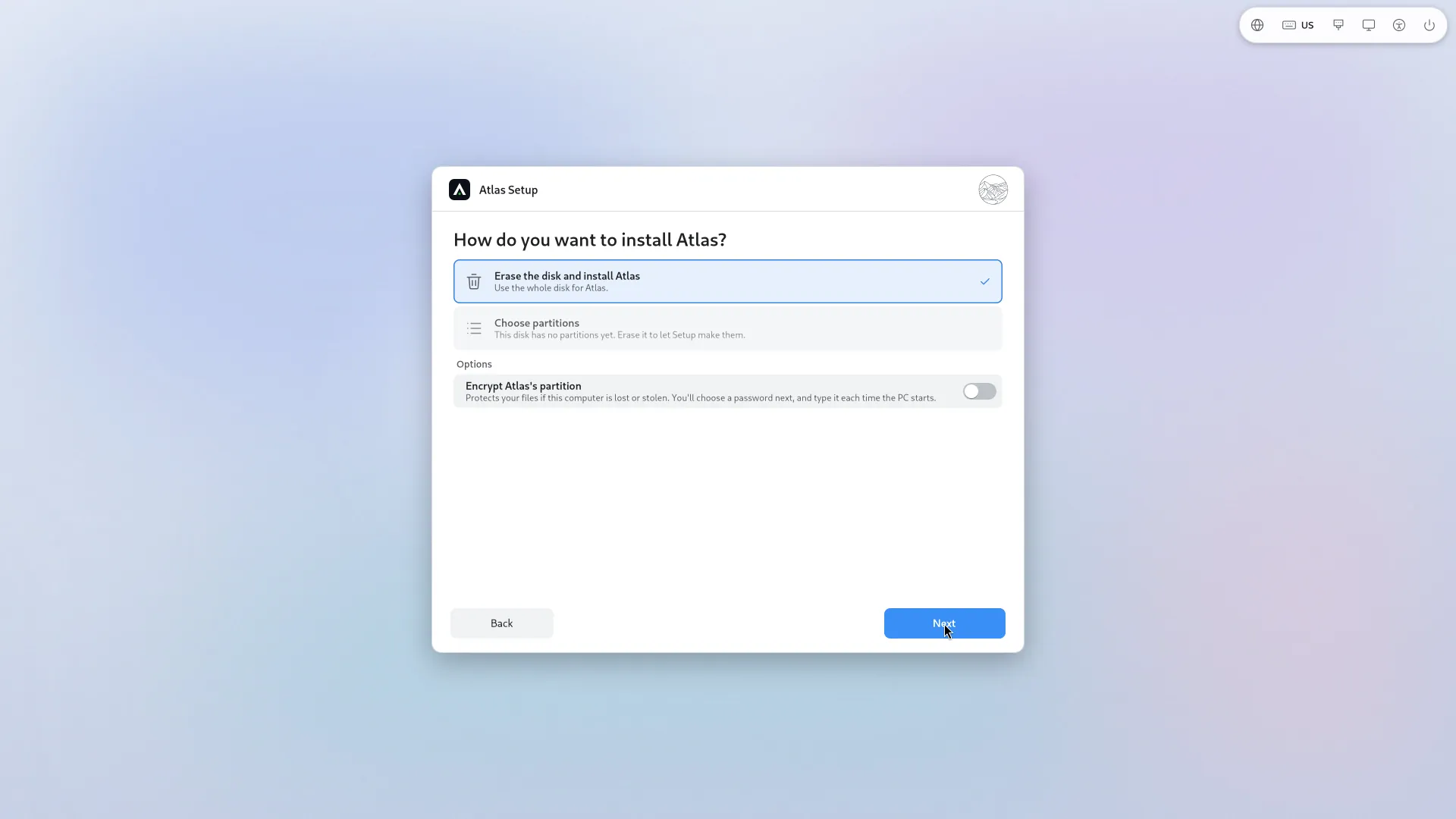
If the computer is lost or stolen, someone cannot read your files by taking out the disk. That is Encrypt Atlas's partition at install: "Protects your files if this computer is lost or stolen. You'll choose a password next, and type it each time the PC starts."
Encryption covers only Atlas's partition. Windows, if it is there, is not encrypted by Atlas.
How to turn it on
On the page How do you want to install Atlas?, whether for the whole disk, next to Windows or into free space, tick Encrypt Atlas's partition. A page Choose a password for this disk follows.
The password must have 8 characters or more, with letters without accents, digits and the usual symbols only: "Other characters may not exist on the keyboard at start-up." The page offers Show the password so you can check what you type.
It is asked at every start
Each time the PC starts, before Atlas starts, a text-mode screen asks for the disk's password (Please unlock disk atlas-root:). Without it, Atlas does not start. After it, the sign-in screen appears and you type your account's password as usual: these are two different passwords.
Encryption also keeps the start-up files apart (a small unencrypted partition, which the boot loader must be able to read). Setup needs about 1 GB of free room for it, and says so if there is not enough.
The keyboard: it must be a Latin one
This screen, before Atlas, reliably knows only Latin keyboards (AZERTY, QWERTY...) and plain characters. So:
- The password is typed, and will be typed at every start, on the keyboard shown at the top right of Atlas Setup (for example FR or US). The page says so: "You'll type this password on the FR keyboard each time the PC starts."
- If that keyboard is not a Latin one (Arabic, for example), the encryption page asks you to switch to a Latin keyboard, and stays closed until you do: "The keyboard is set to X now. Switch to Y to type the password."
- Changing the keyboard clears the password fields: you type them again with the current keyboard, so that they all belong to one known keyboard.
- That keyboard becomes the installed system's first keyboard. The others (Arabic, for example) stay available once Atlas is running.
If you write in Arabic, put for example Arabic second and French first: the disk's password is typed on the French one, and the rest of the time you switch layouts as usual.
What is not there
- No TPM unlocking: the password is always asked.