Apps
Atlas is a whole desktop environment: its desktop, its apps and its installer, made to look and behave as one.
The desktop
The parts you see all day.
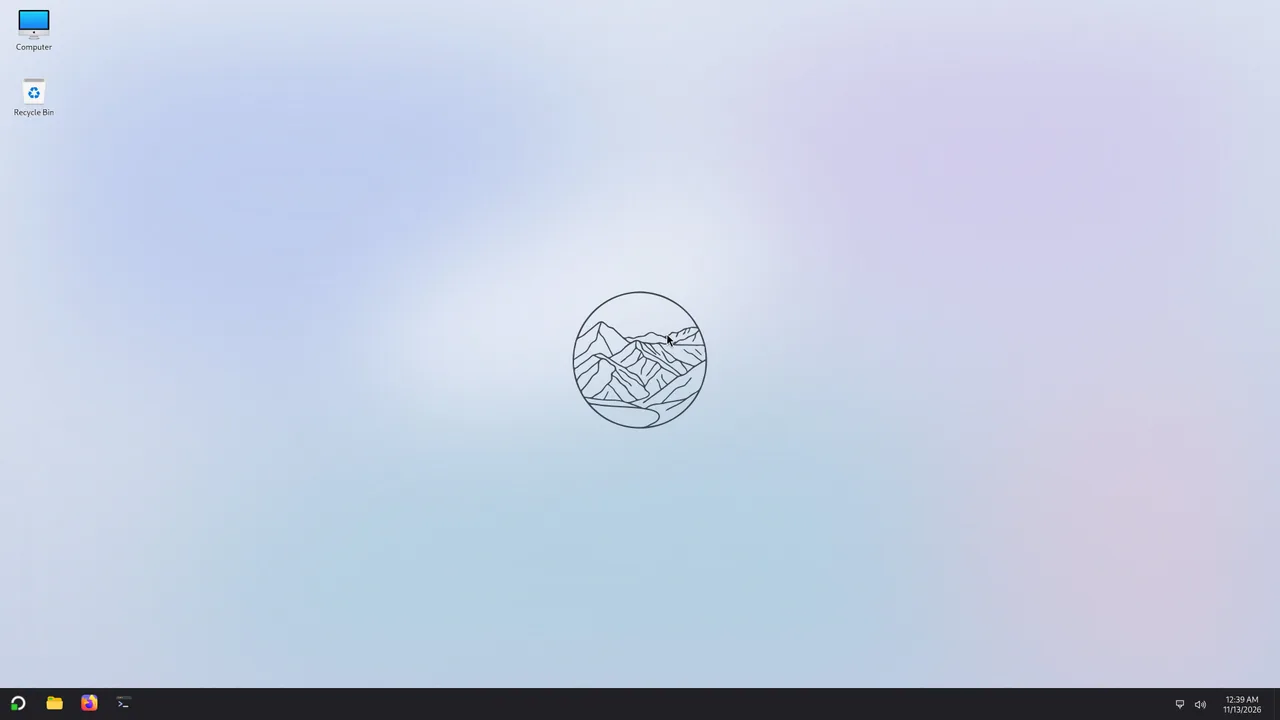
- DesktopA wallpaper, the icons you use, and a right-click menu.
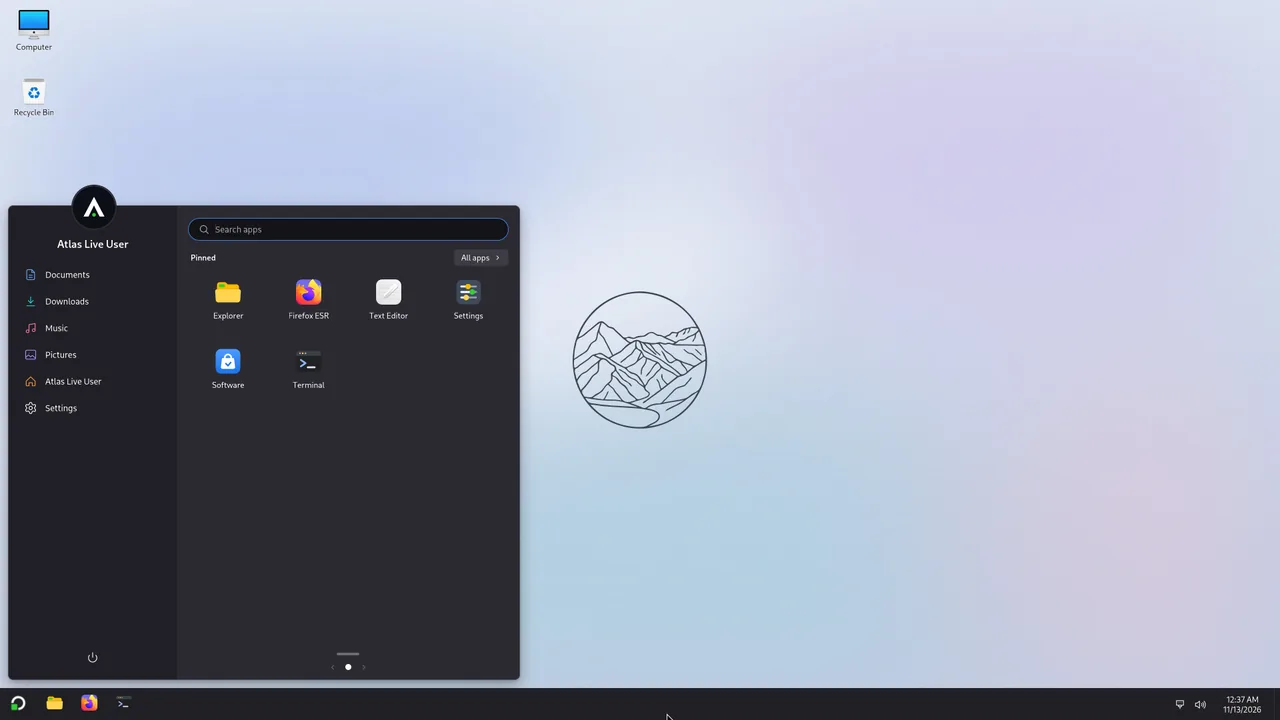
- StartSearch, pinned apps, all apps, your folders and the power menu.
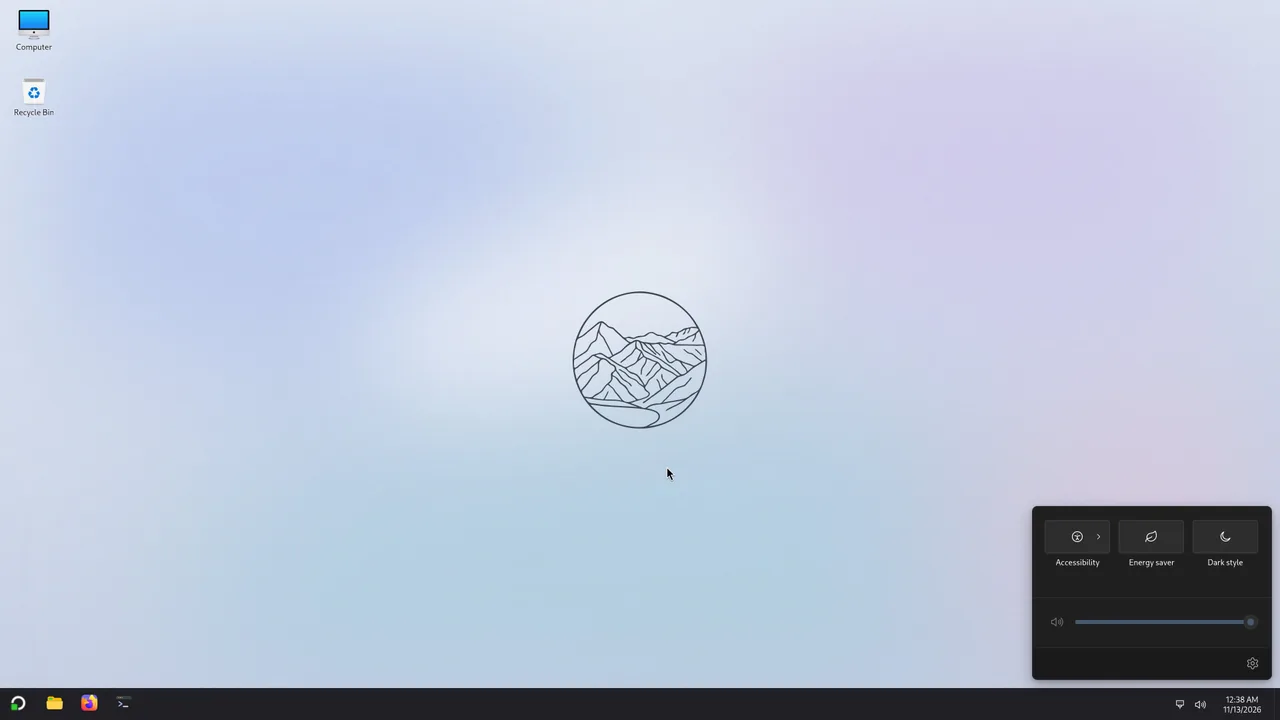
- Taskbar and quick settingsYour apps, the clock, and the settings you change every day.
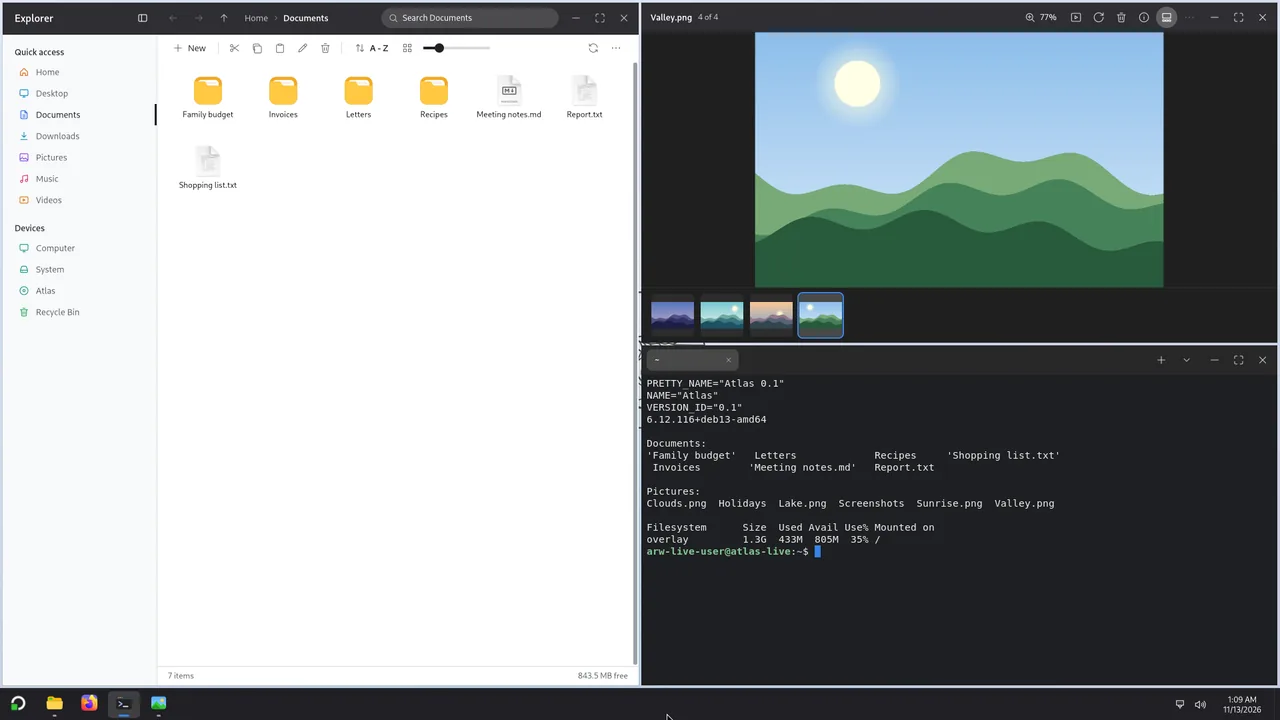
- Windows snappingWindow snapping as in Windows, with the same keys.
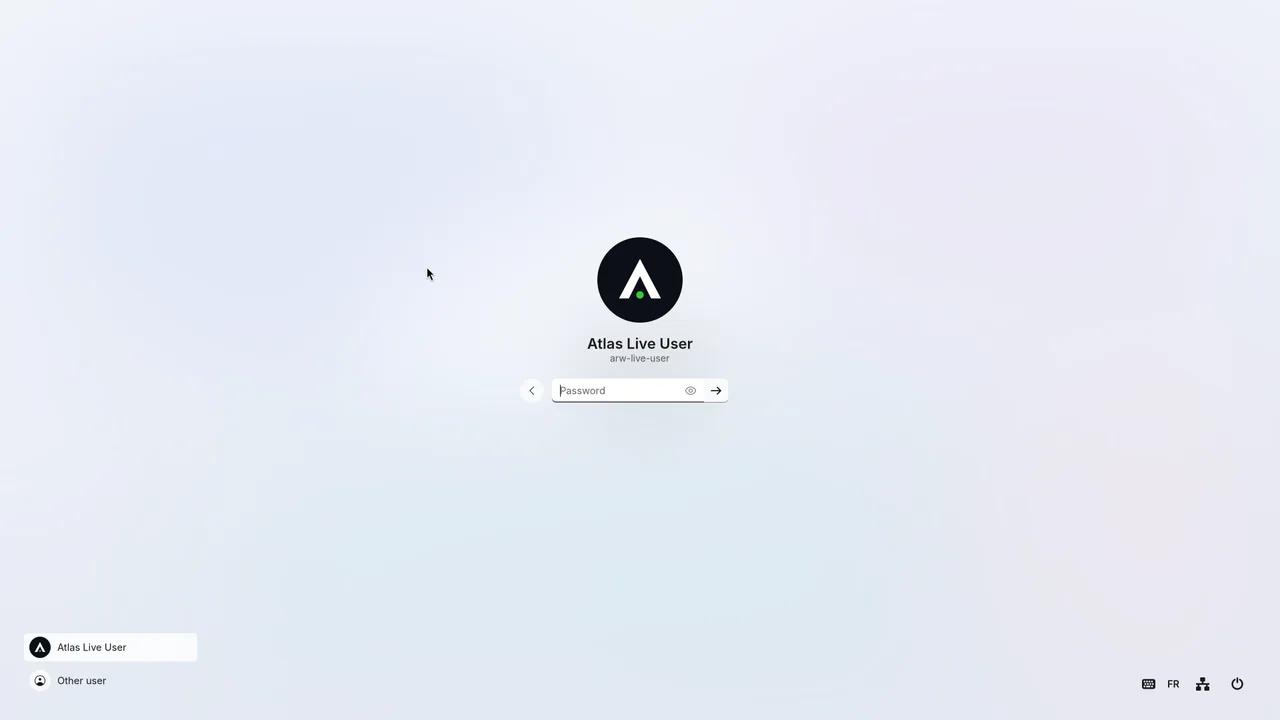
- Sign-in and lock screensChoose your account, type your password, and lock the screen when you leave.


The apps
Atlas's own apps, each one light and native.
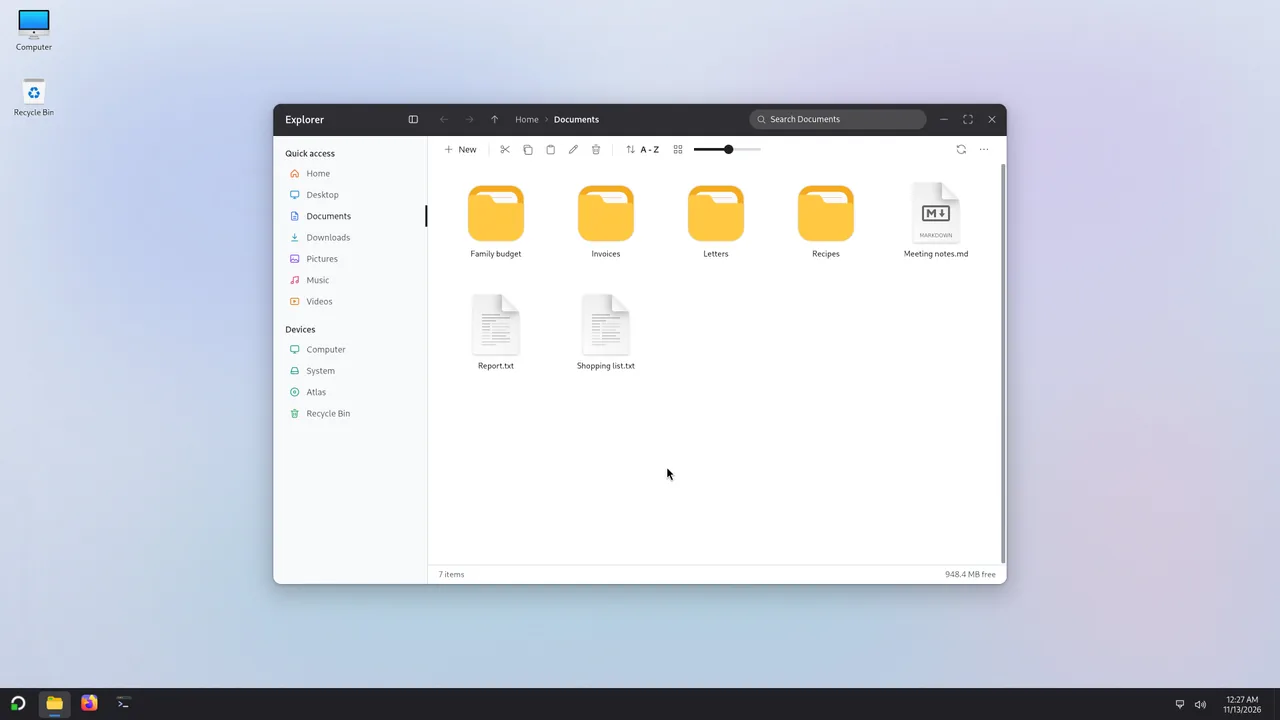
- ExplorerThe file manager: your files, your drives and the Recycle Bin.
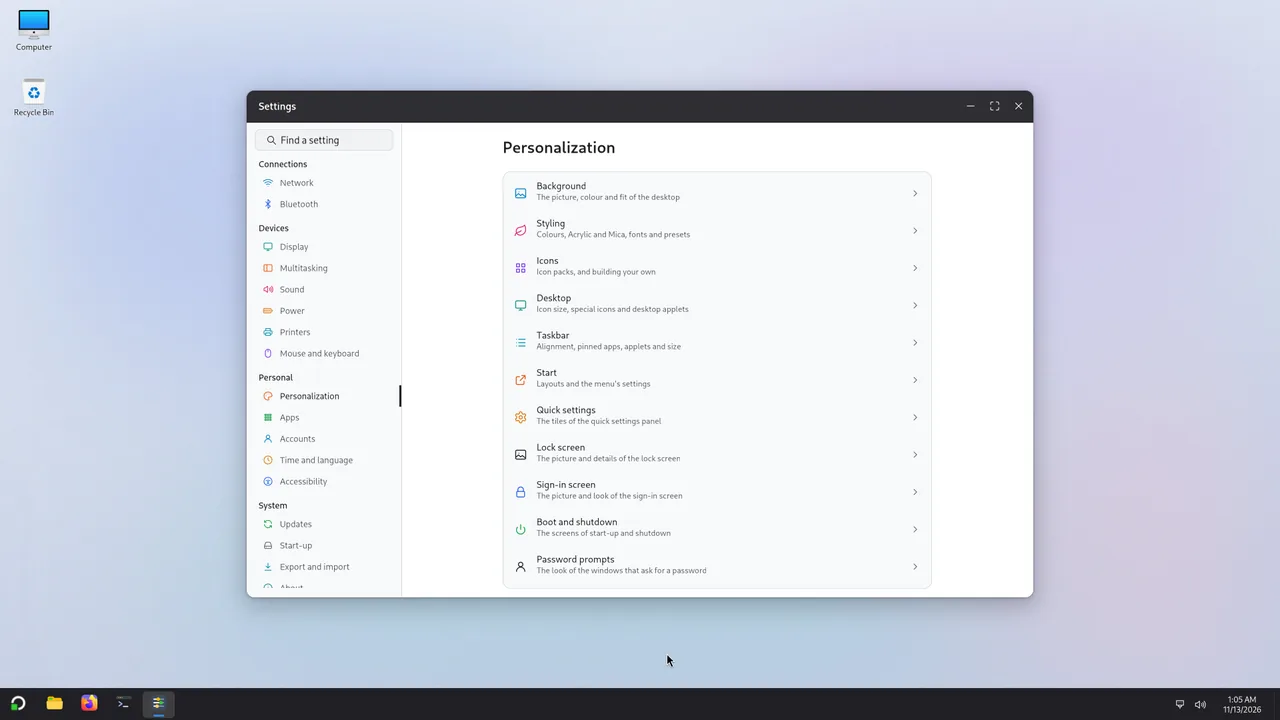
- SettingsWhere the computer is set up, one page per subject.
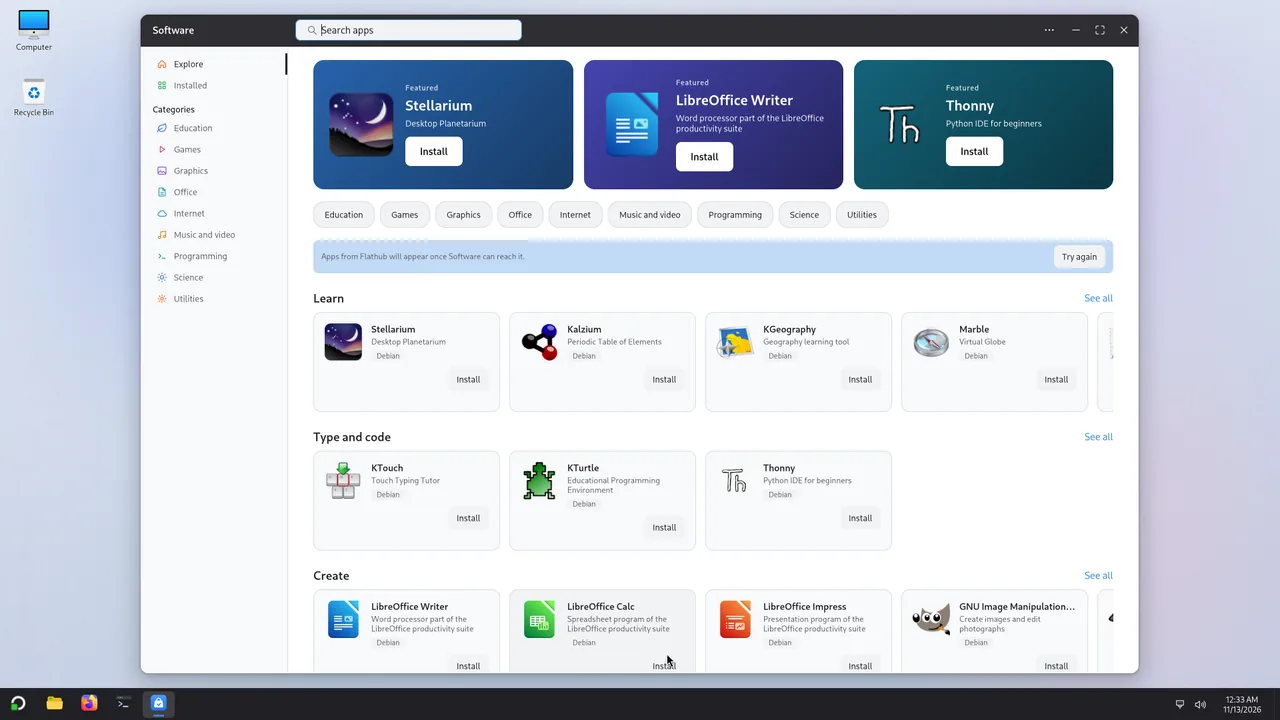
- SoftwareThe app store: apps from Debian and from Flathub.
- TerminalThe terminal, with tabs.
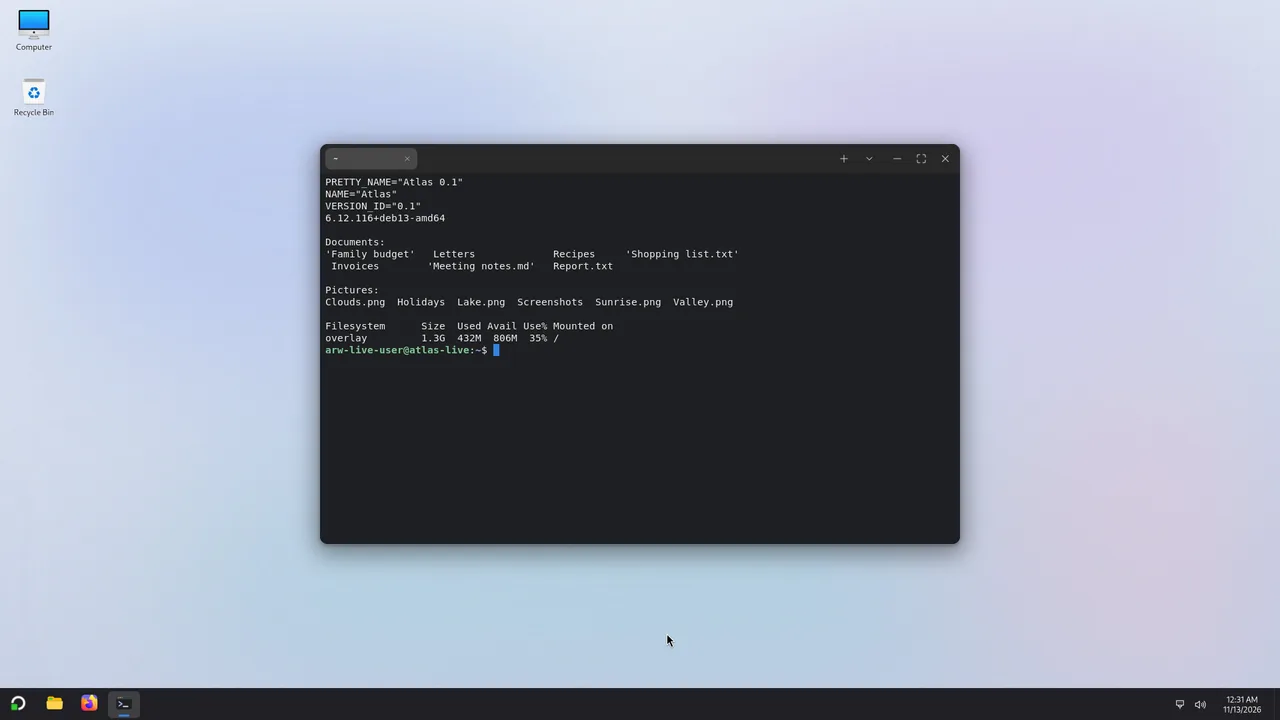
- PhotosThe picture viewer, with the folder as a strip below.
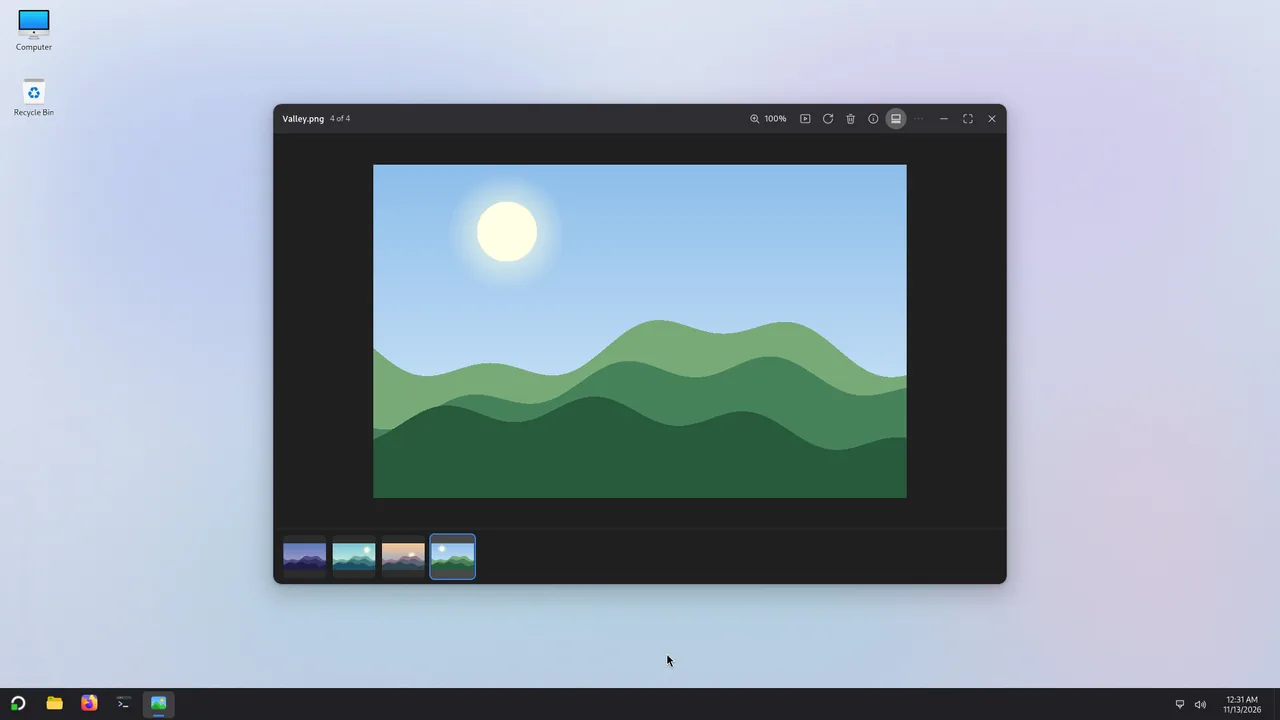
- Task ManagerWhat runs on the computer and how much it uses.
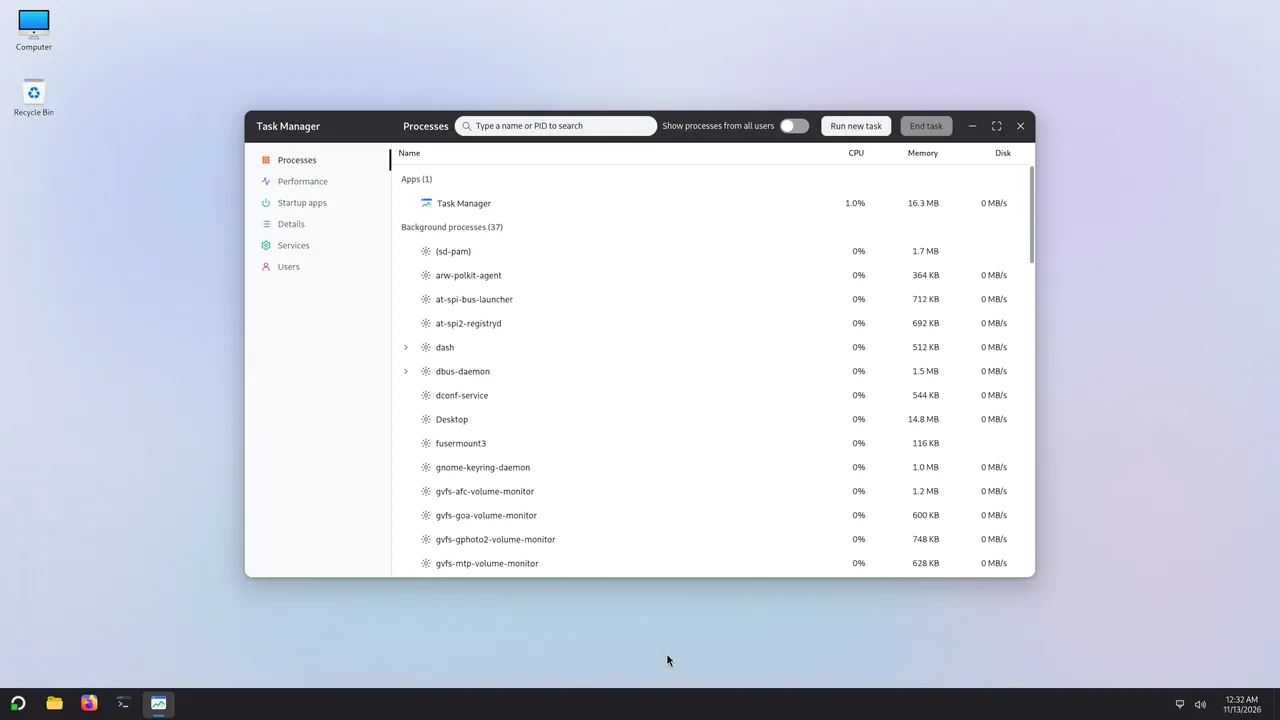
- On-screen keyboardA touch keyboard that floats over your apps.
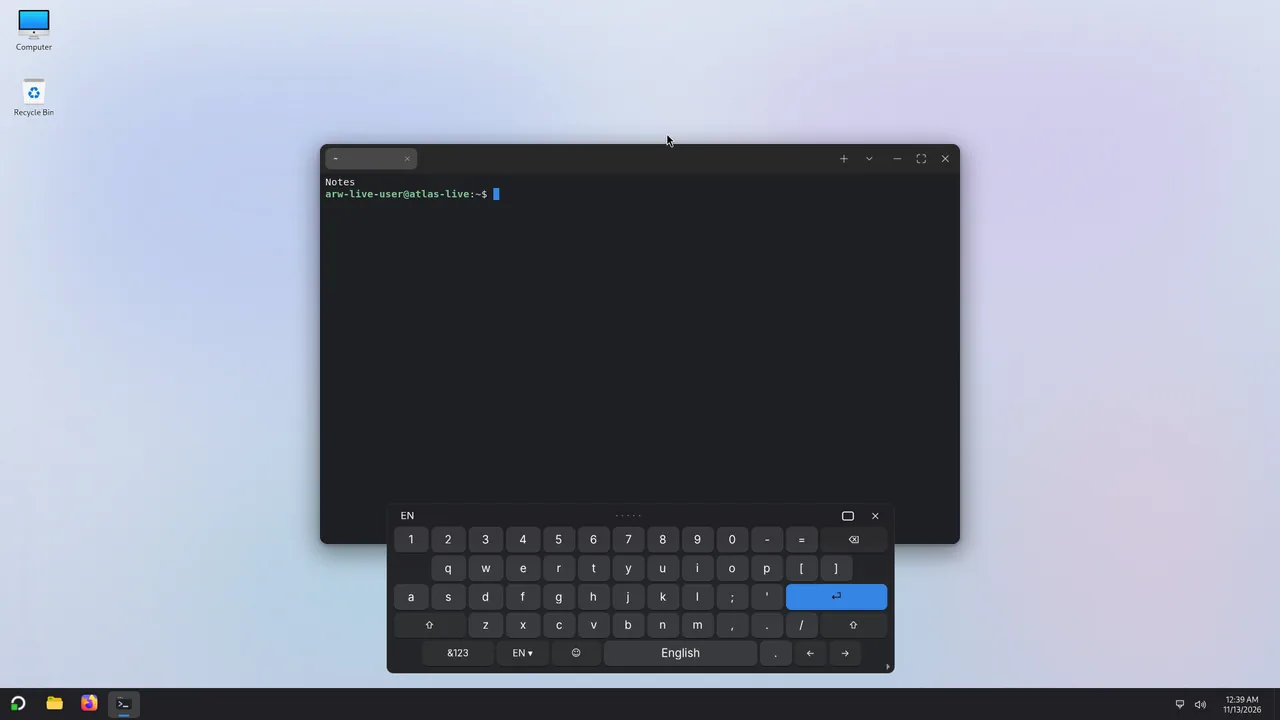
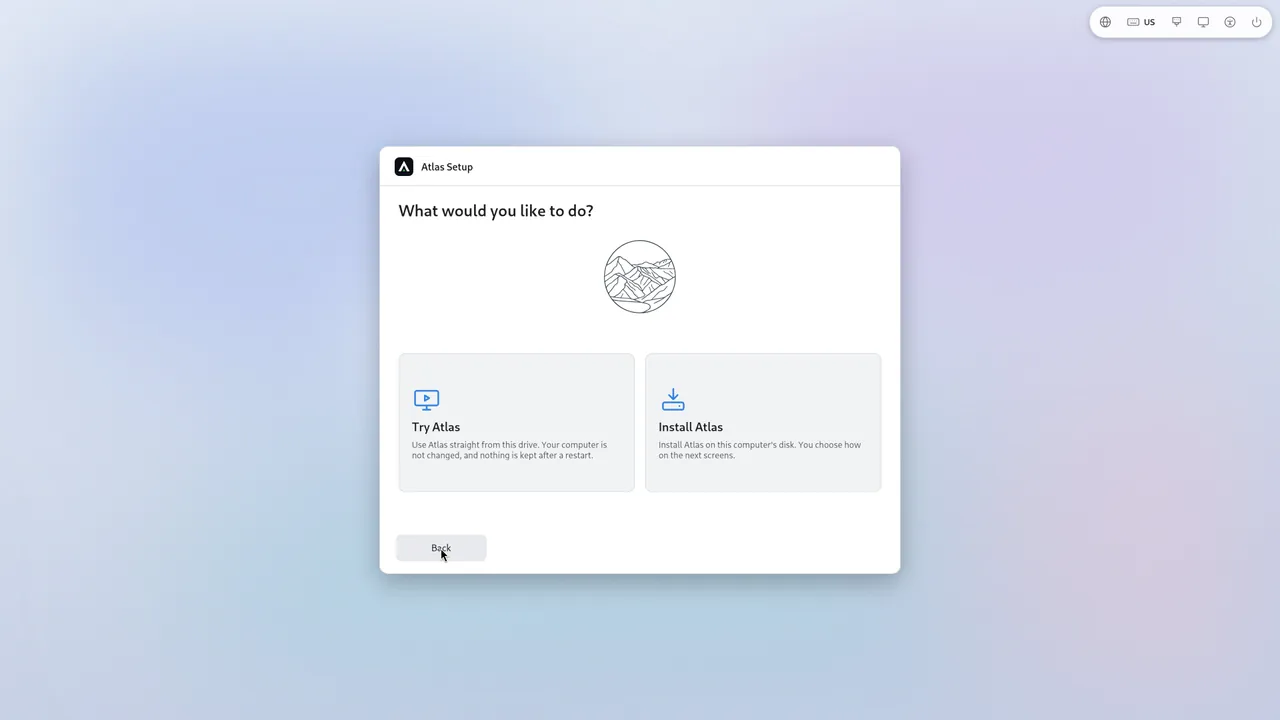
- Atlas SetupThe installer, and the Try Atlas front door, from the USB stick.


Customization
Settings > Personalization is large: icon packs and a pack builder, the start-up chooser's template editor, boot screens, colour schemes, Start, the taskbar. One page tells you what each can do.
And the rest of your apps
Atlas also comes with Firefox ESR, Text Editor, Calculator, Document Viewer, Disks, Print Settings, Bluetooth Manager, Volume Control, VLC media player and more. Find thousands more in Software.