Screenshots
Real screenshots of Atlas, taken in a virtual machine, in the light and dark styles.
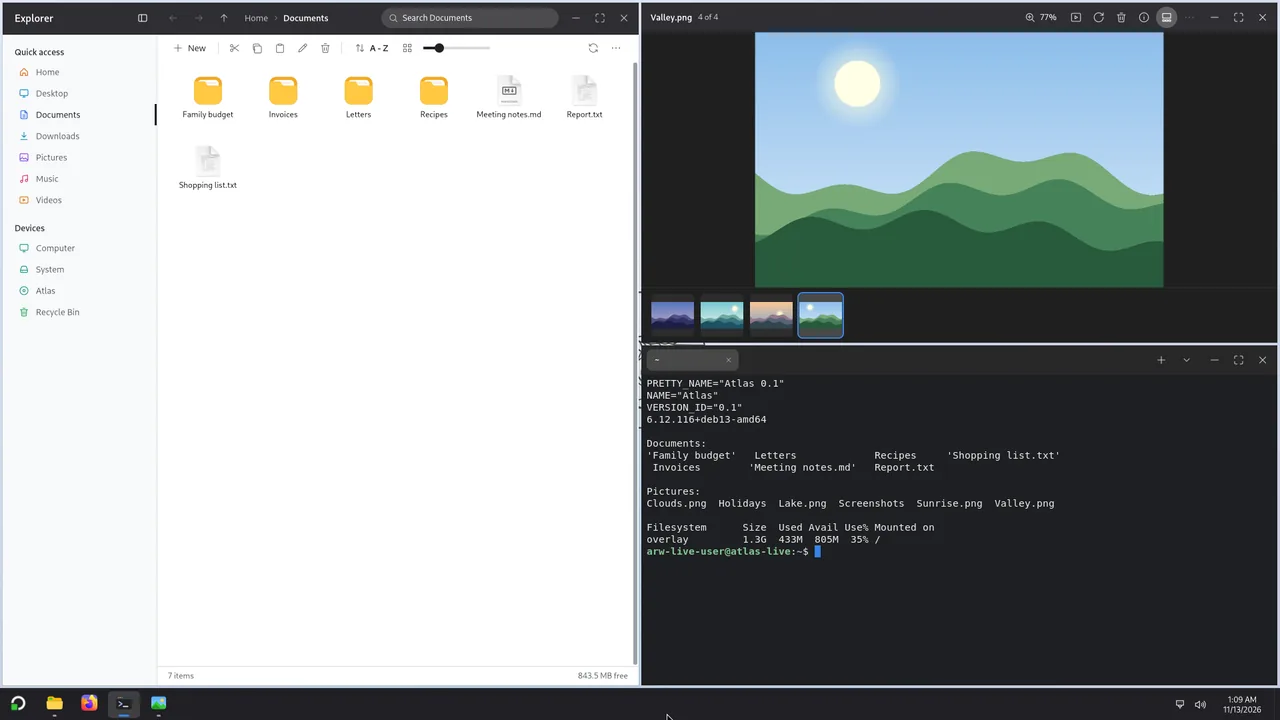
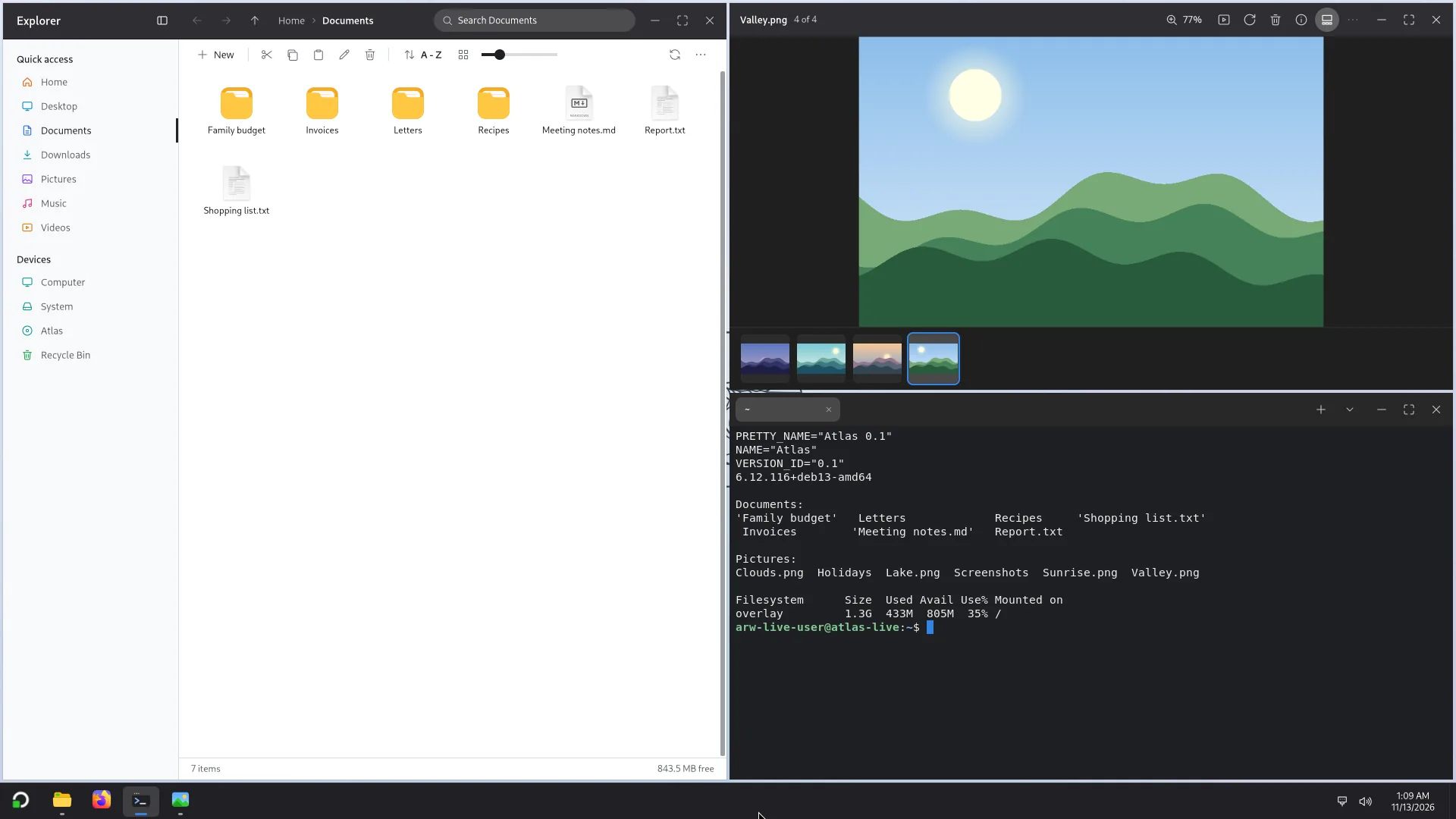
Three apps tiled on one screen. 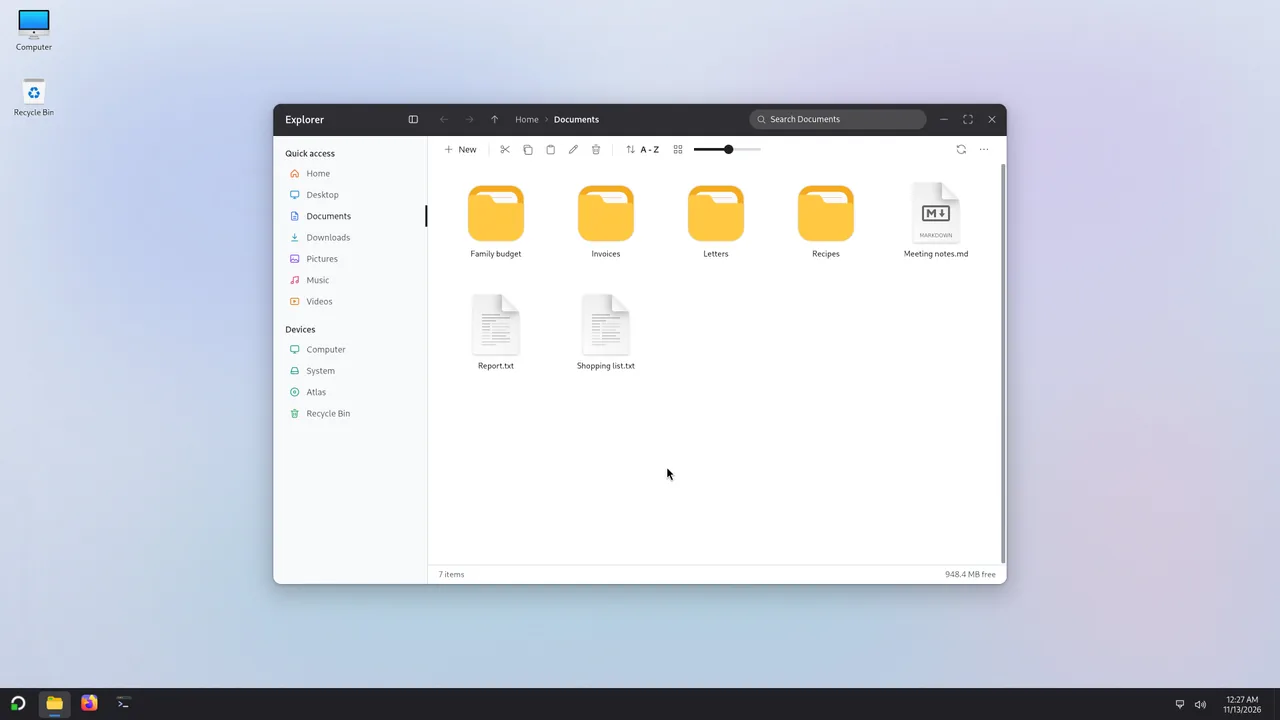
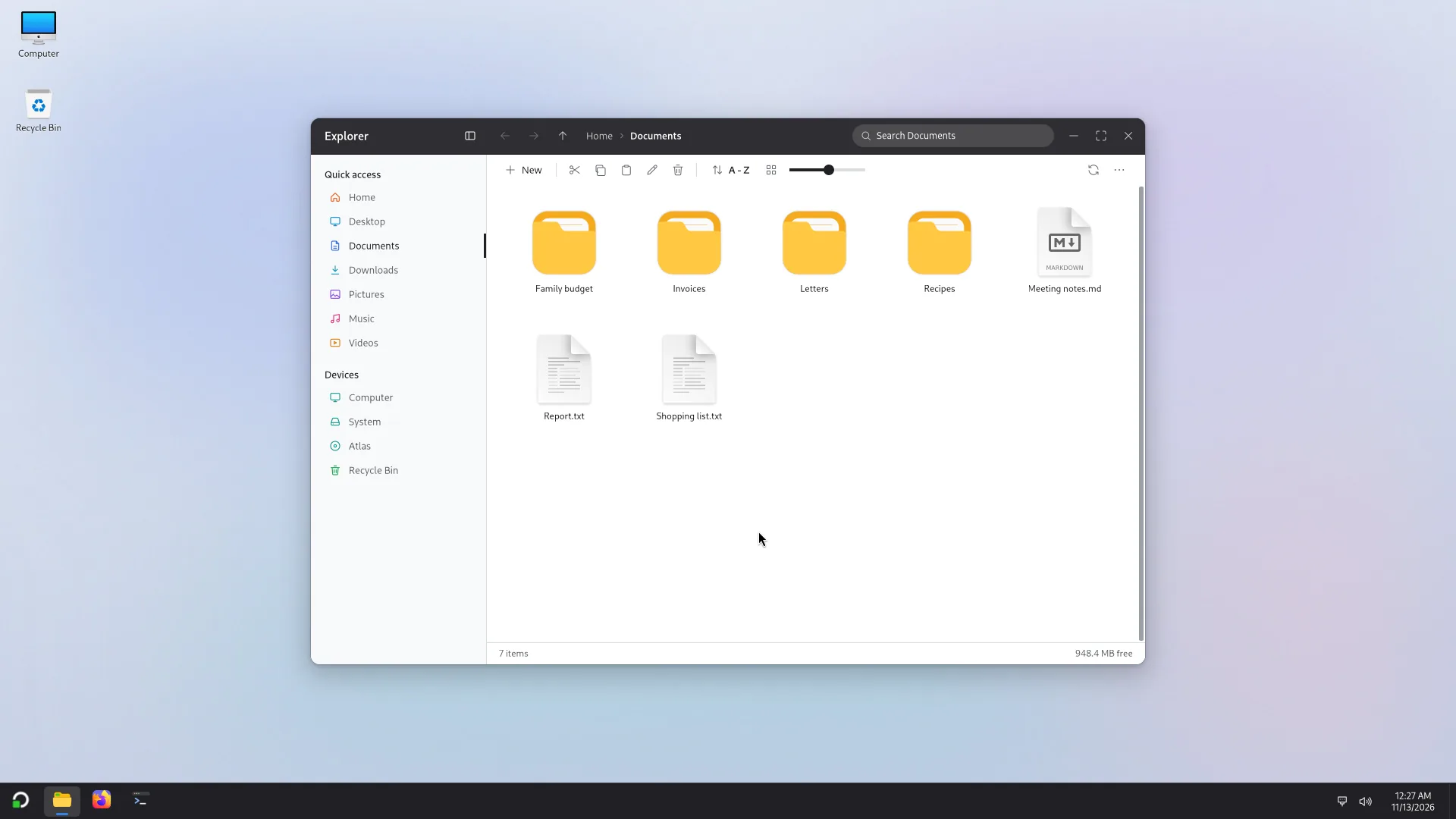
Explorer: Quick access, folders and files. 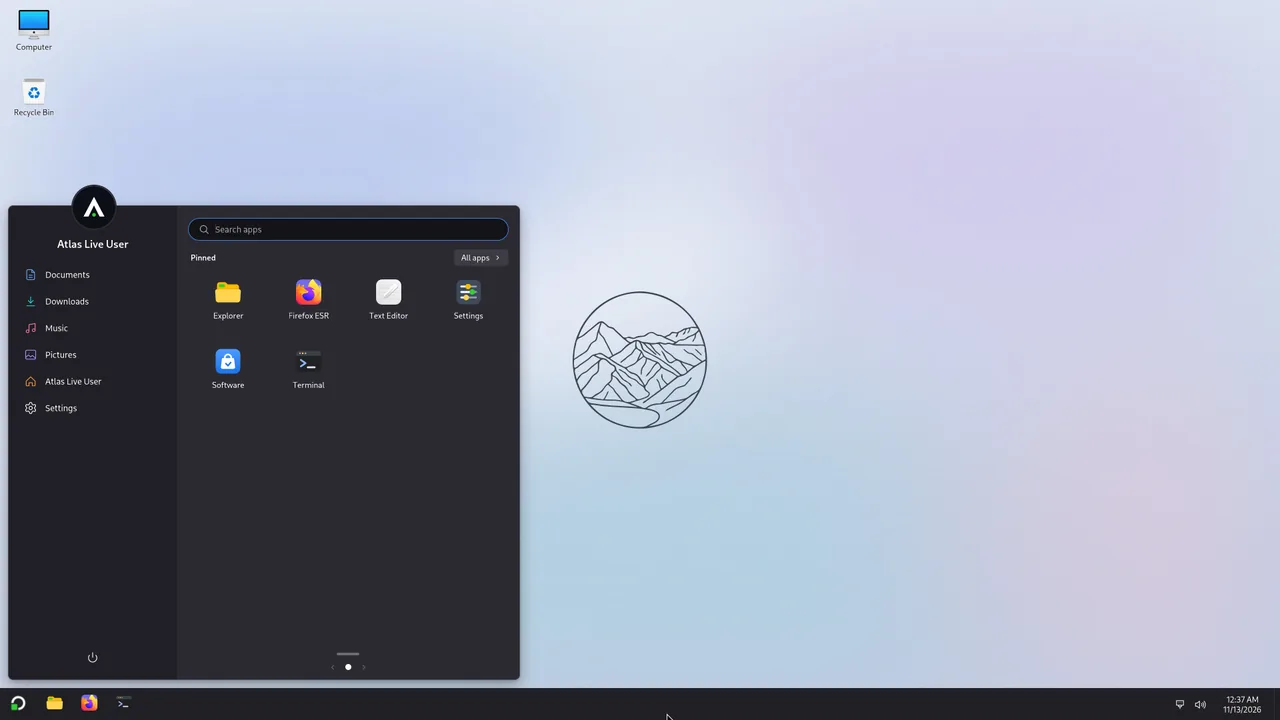
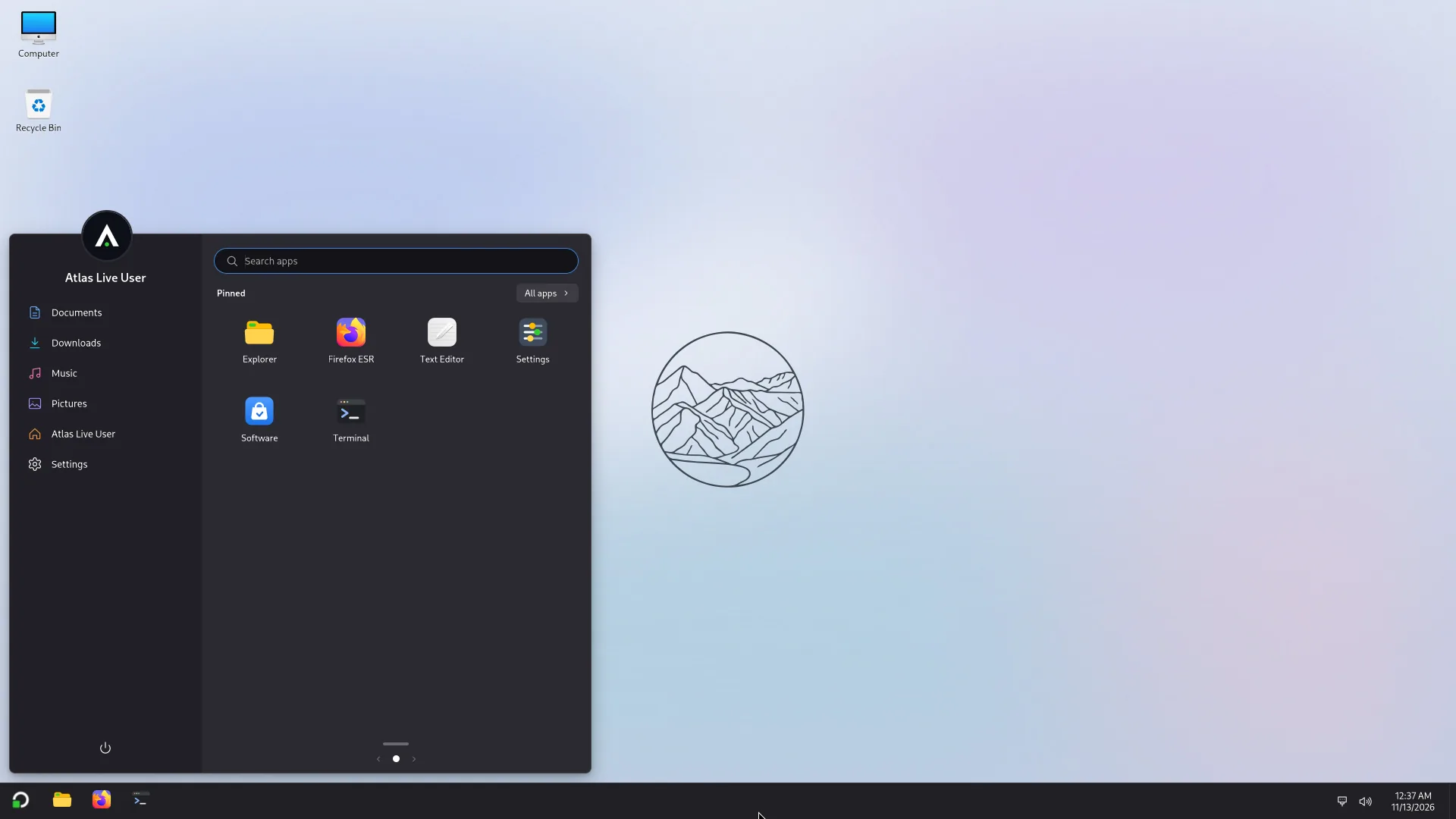
Start: search, pinned apps, your folders and power. 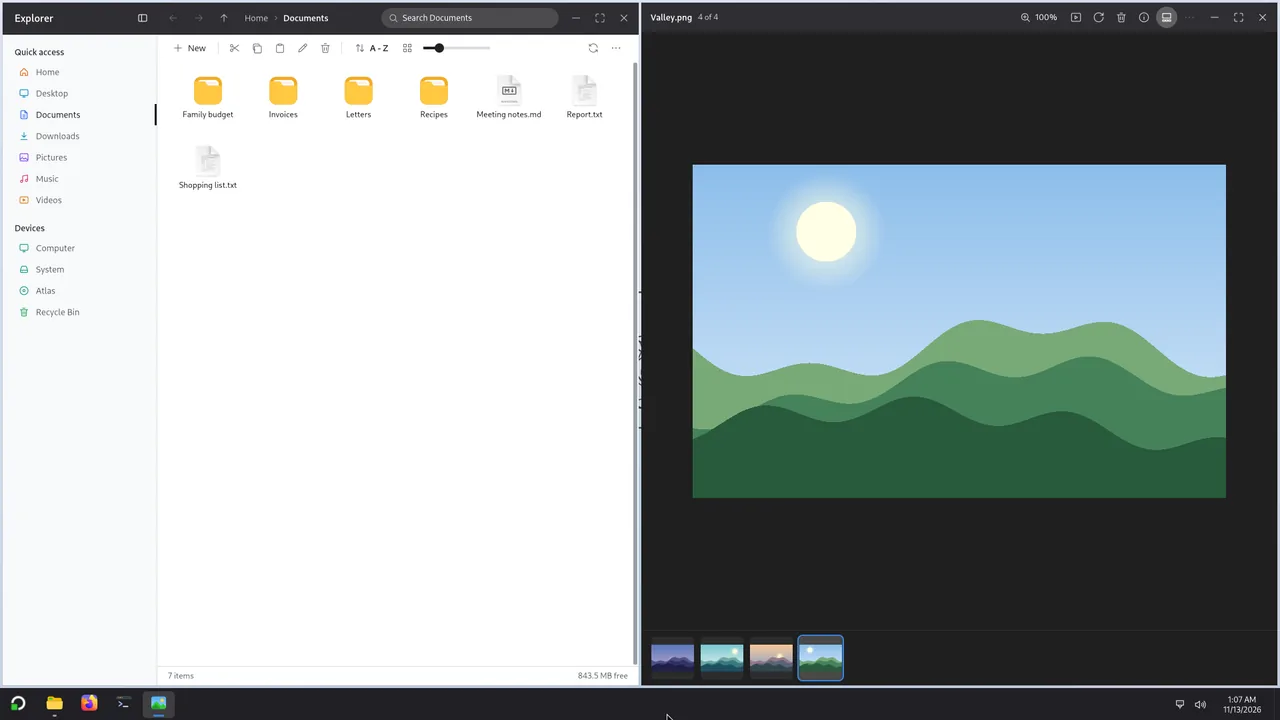
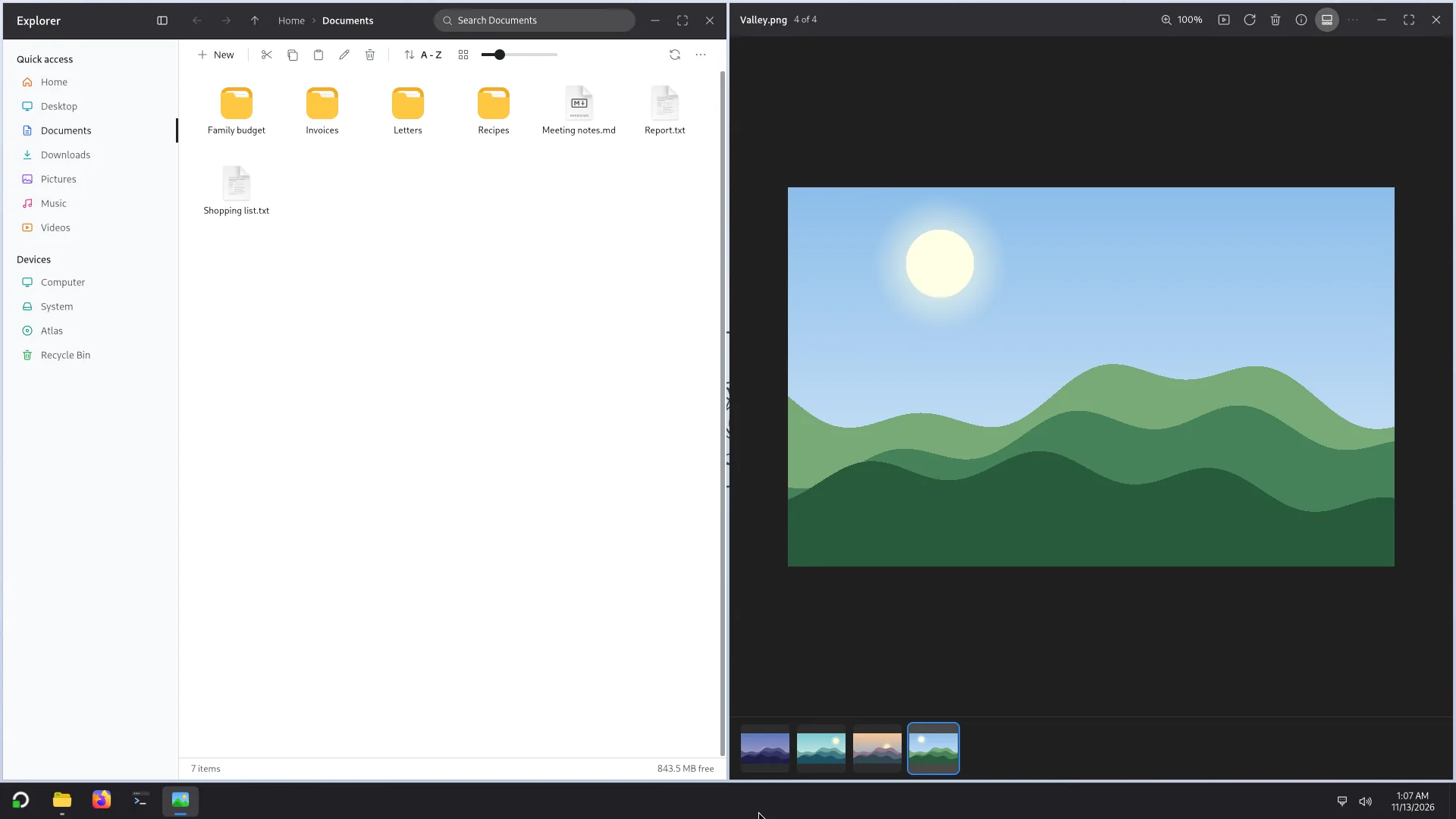
Two windows snapped side by side. 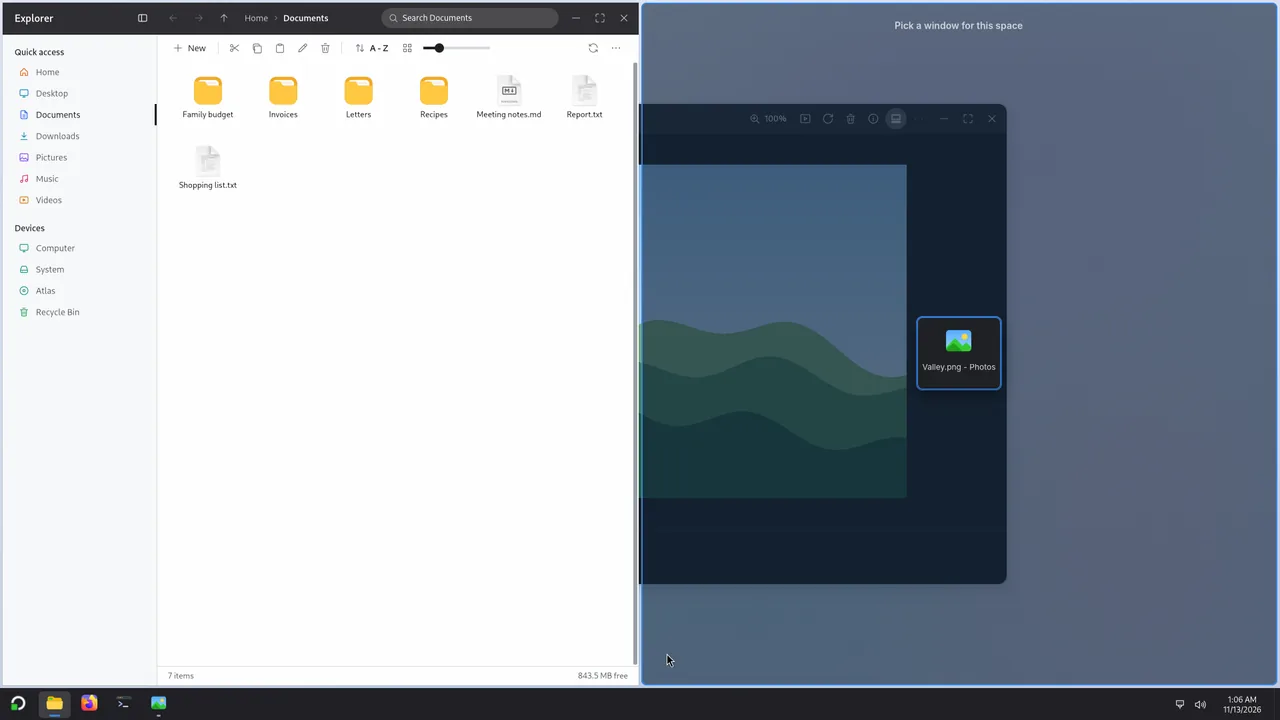
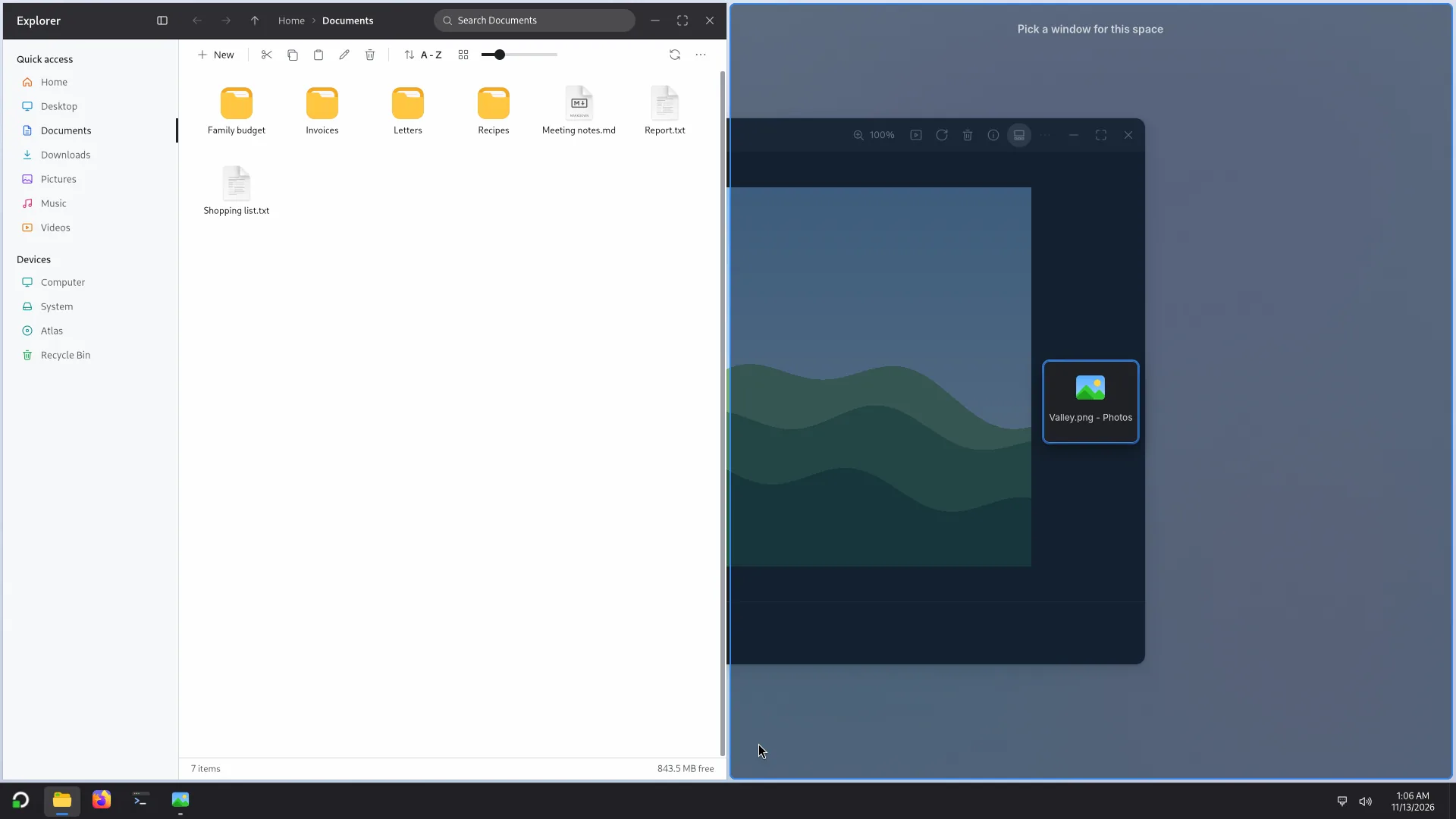
Snap Assist: after a snap, pick the window for the free space. 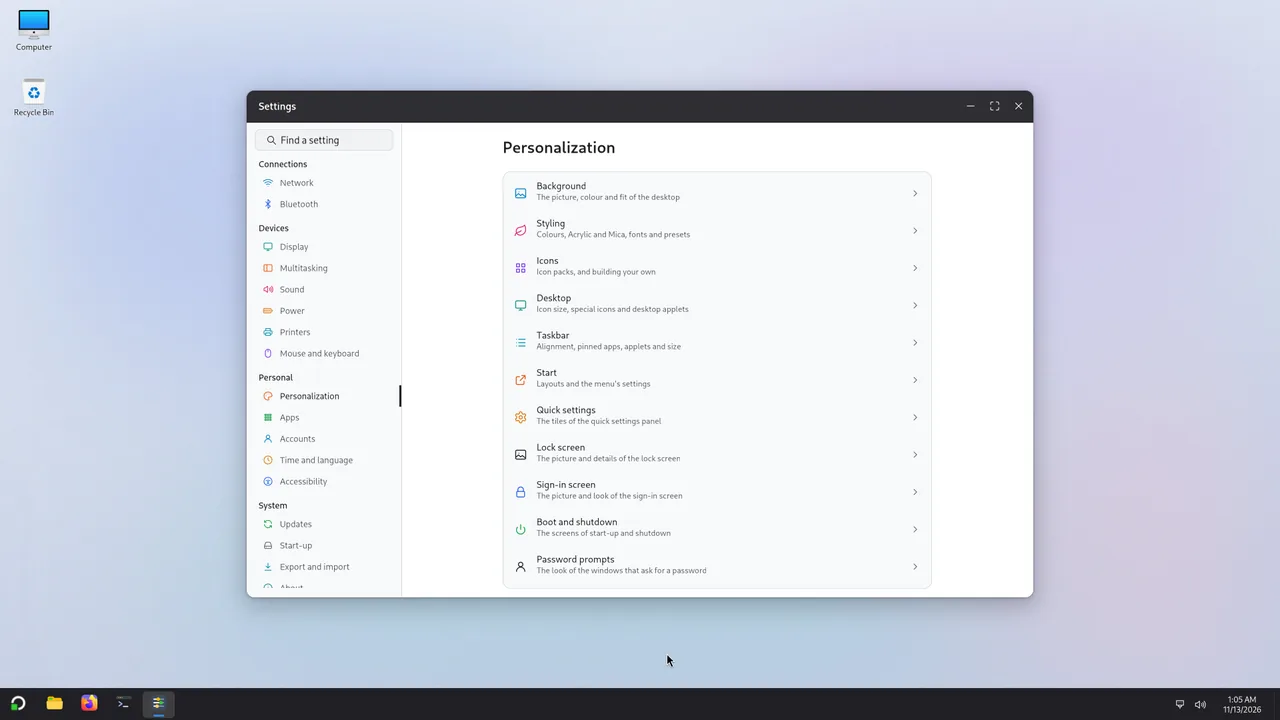
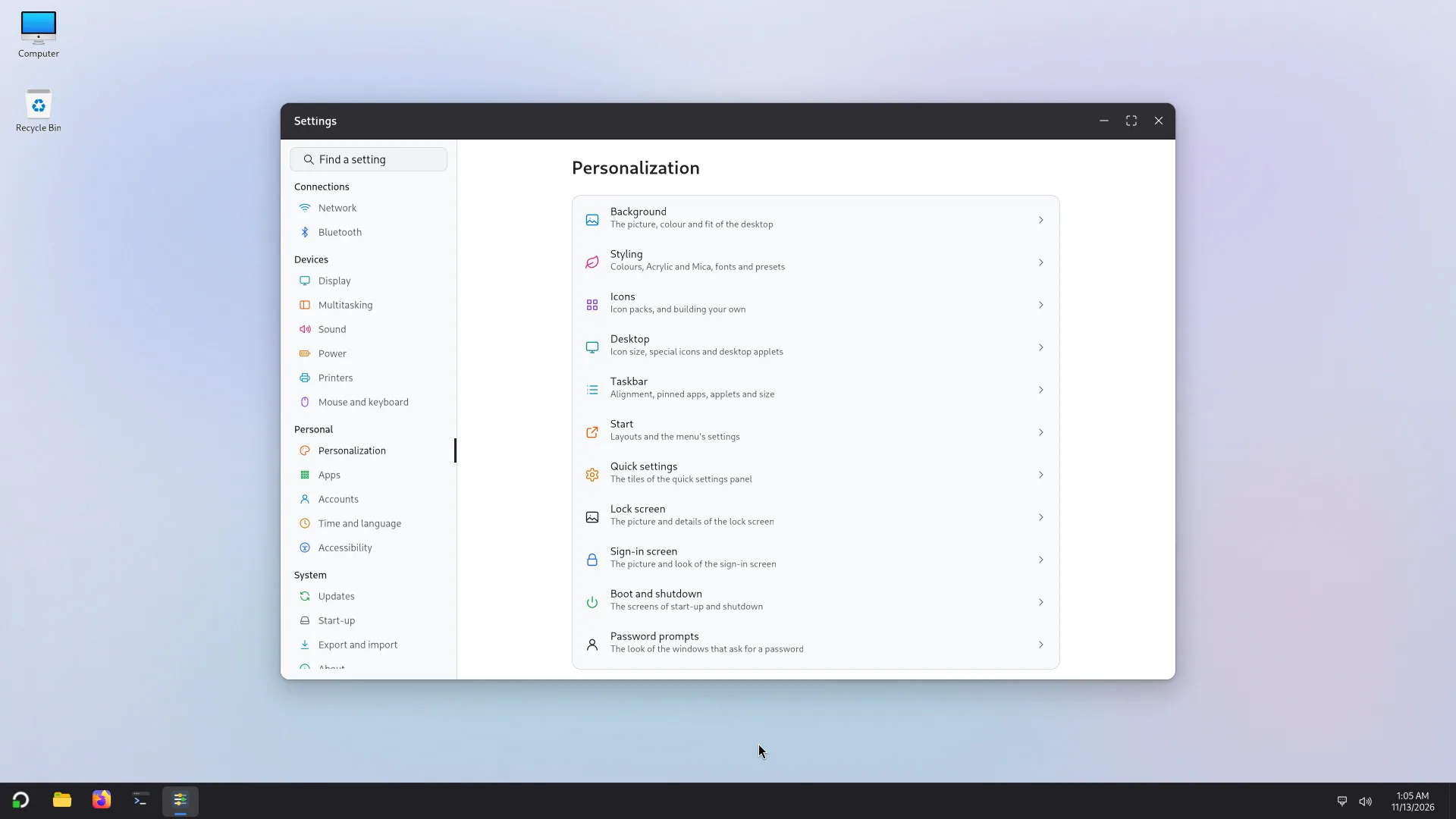
Settings: network, display, sound, accounts, updates and more. 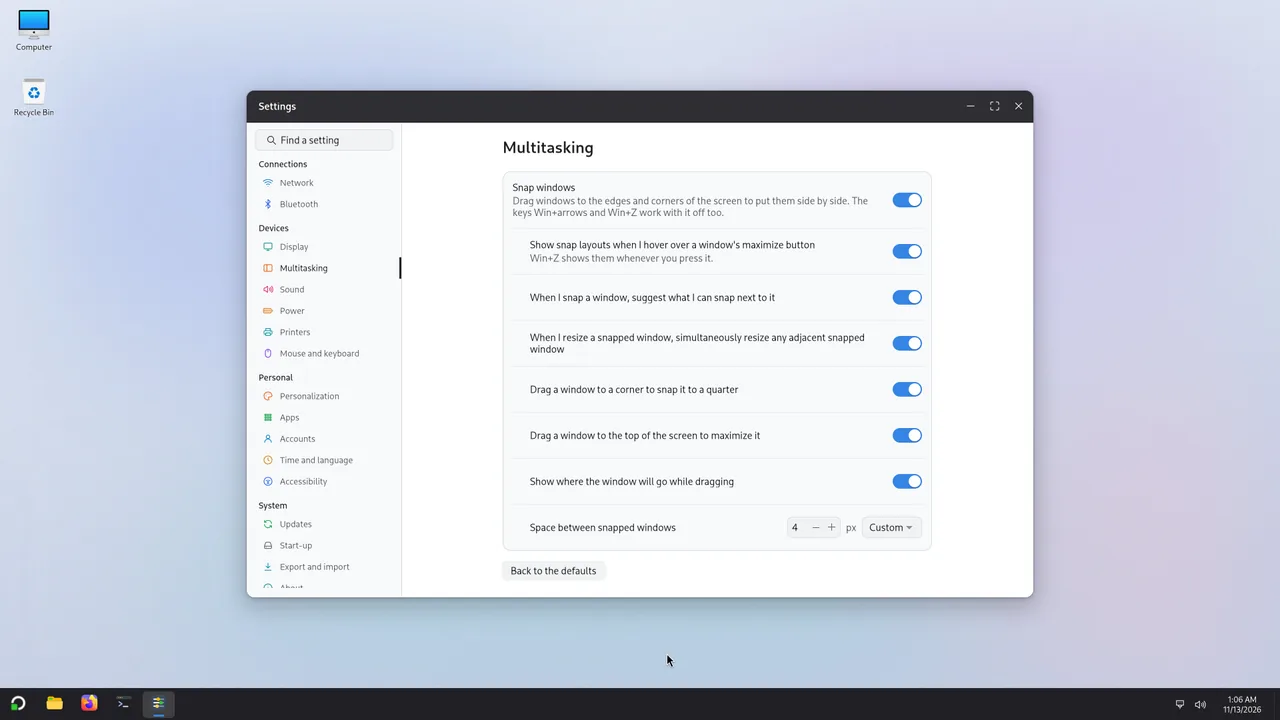
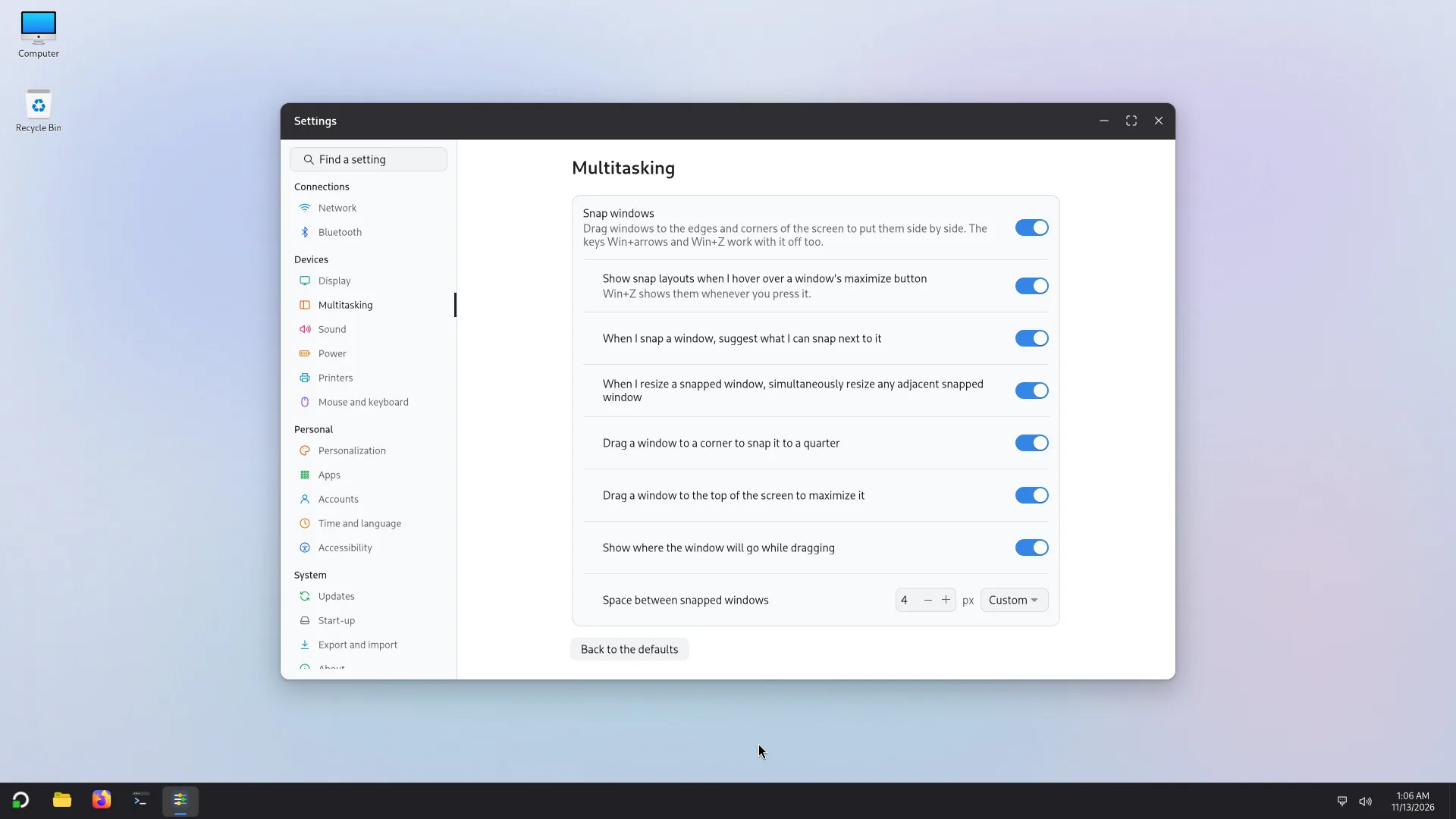
Settings > Multitasking: how windows snap. 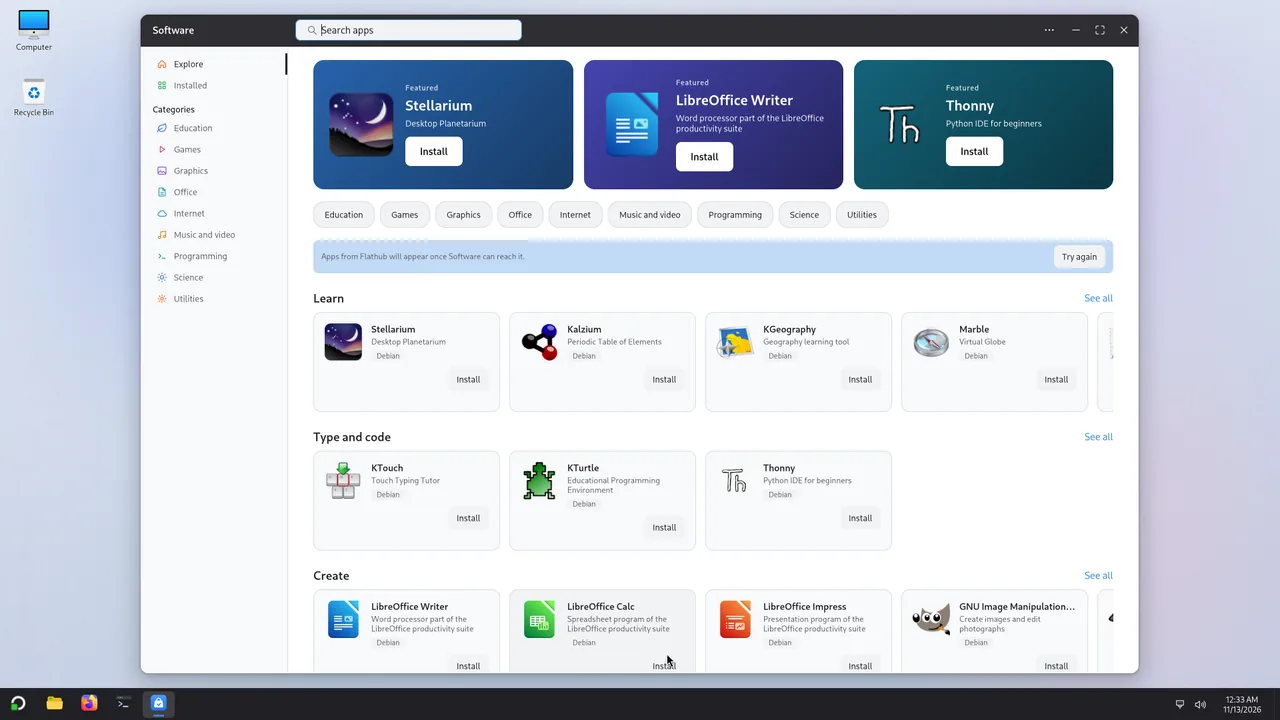
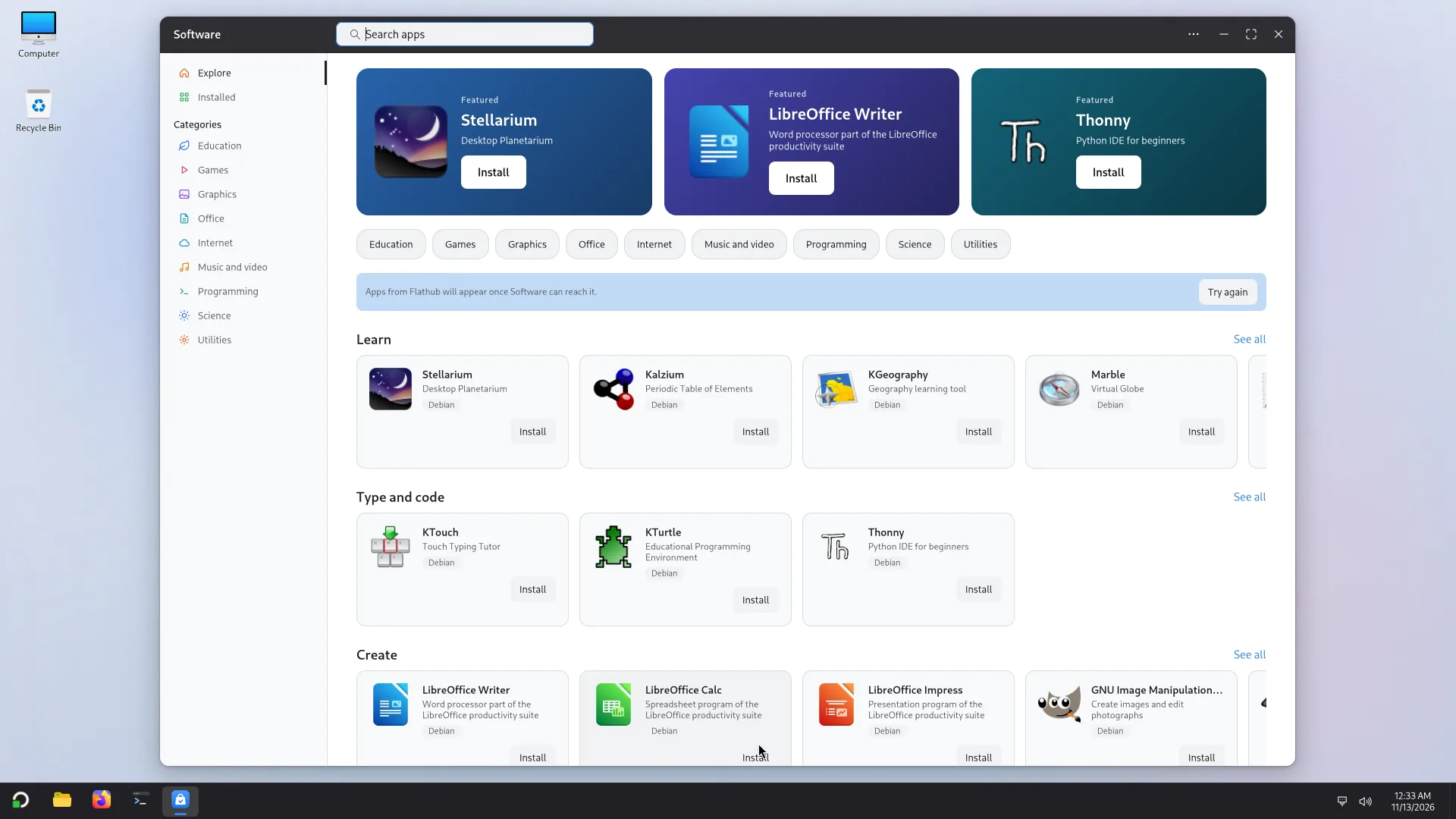
Software: Debian and Flathub apps, one click away. 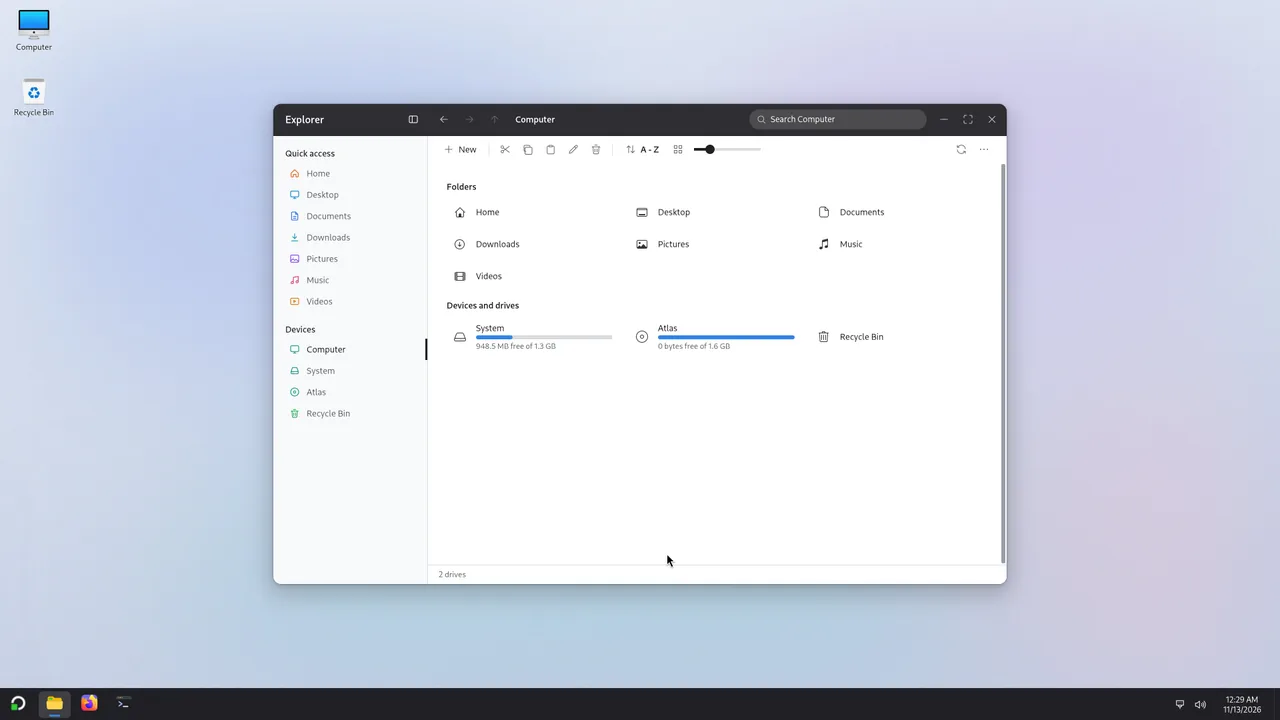
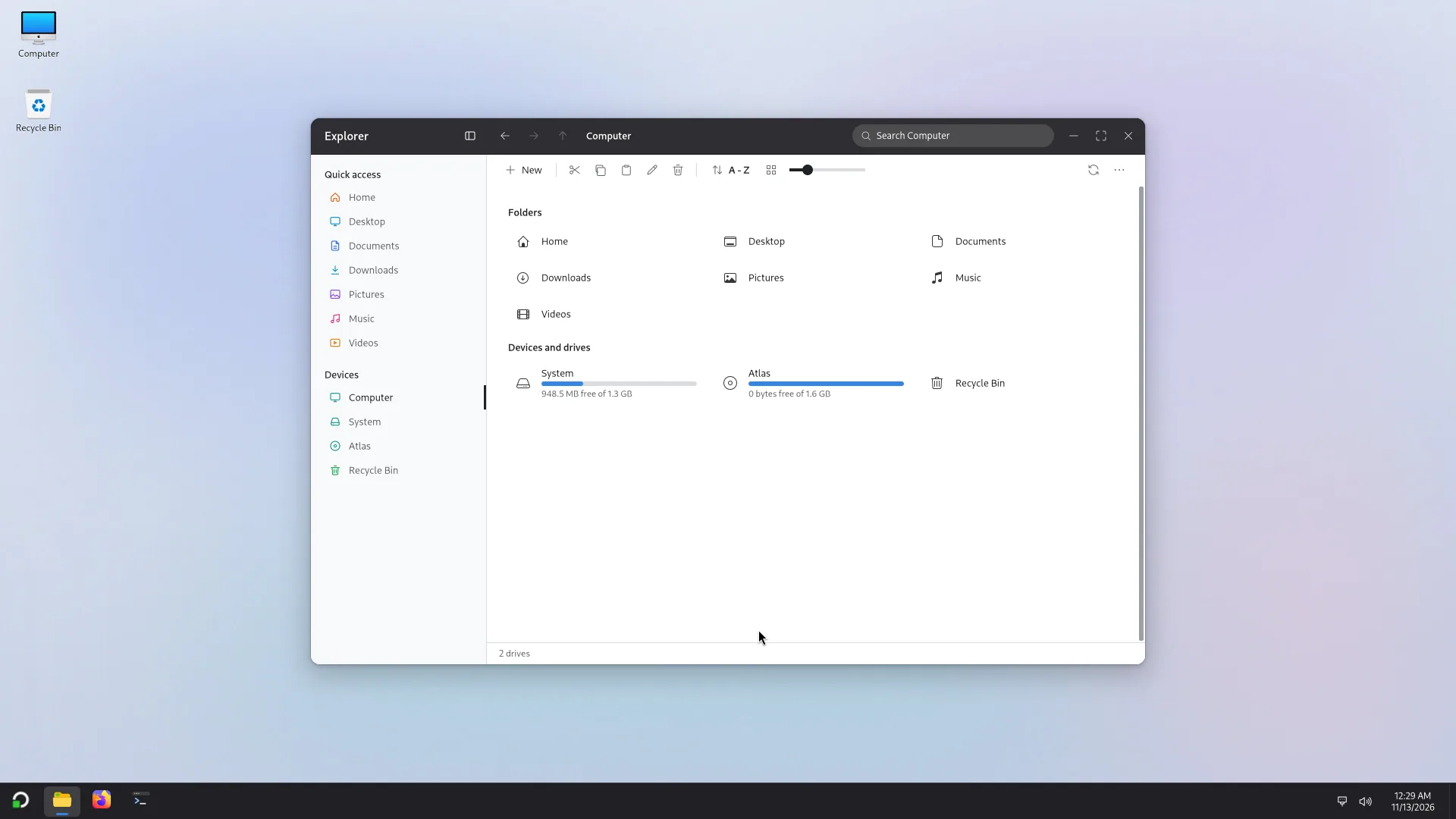
Explorer, Computer: your folders and the drives. 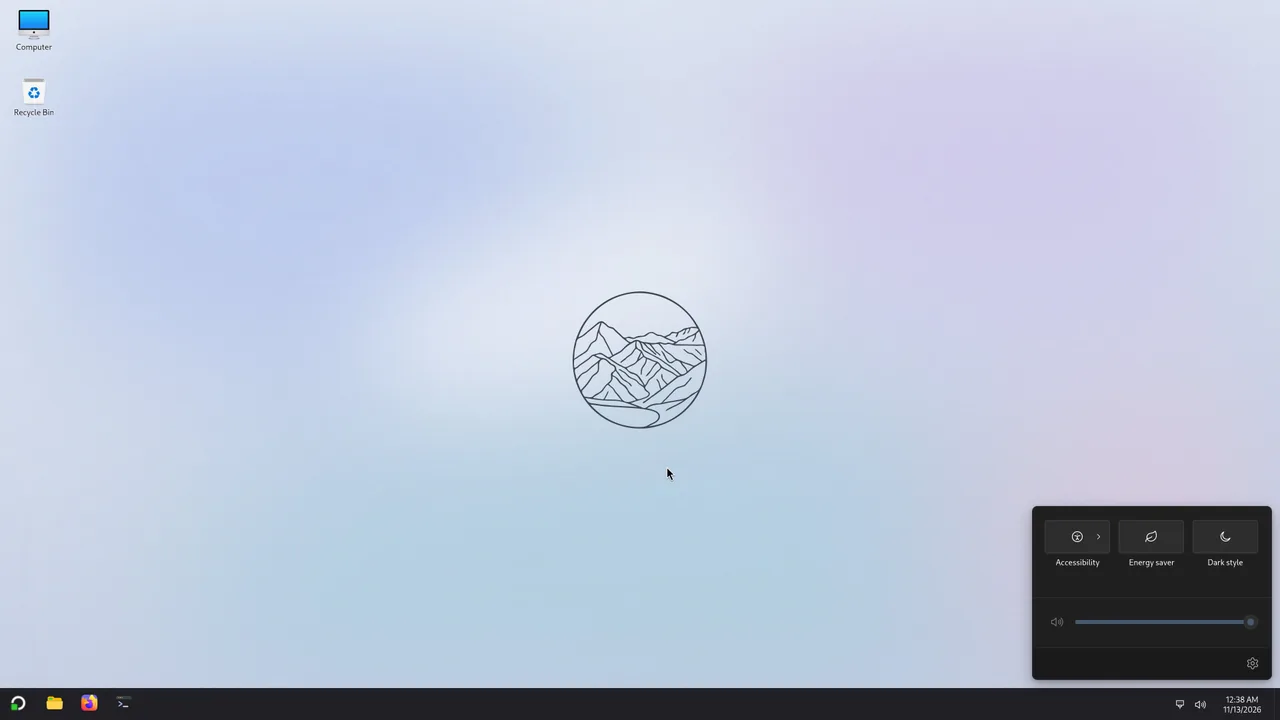
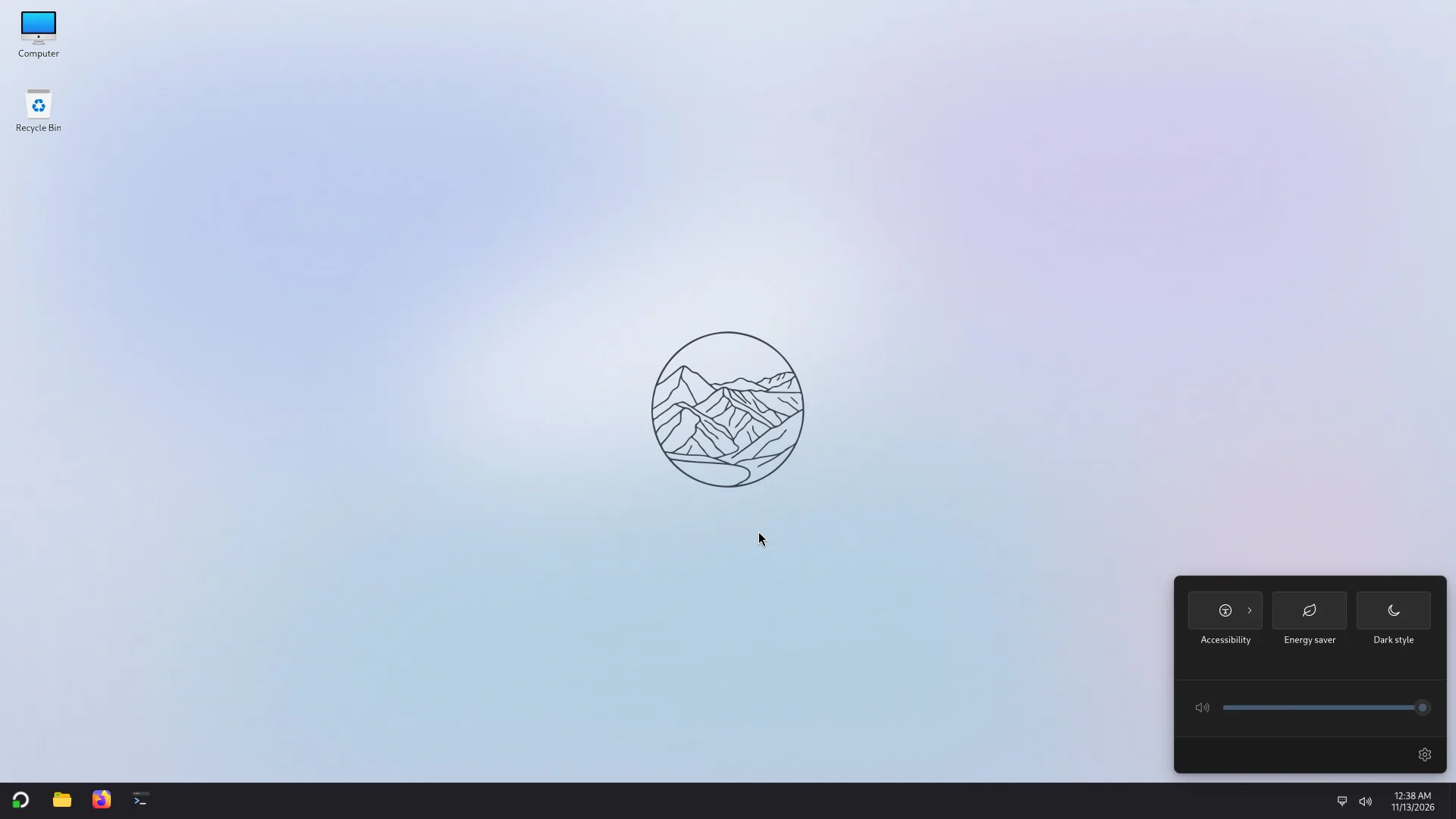
Quick settings: sound, accessibility, energy saver and dark style. 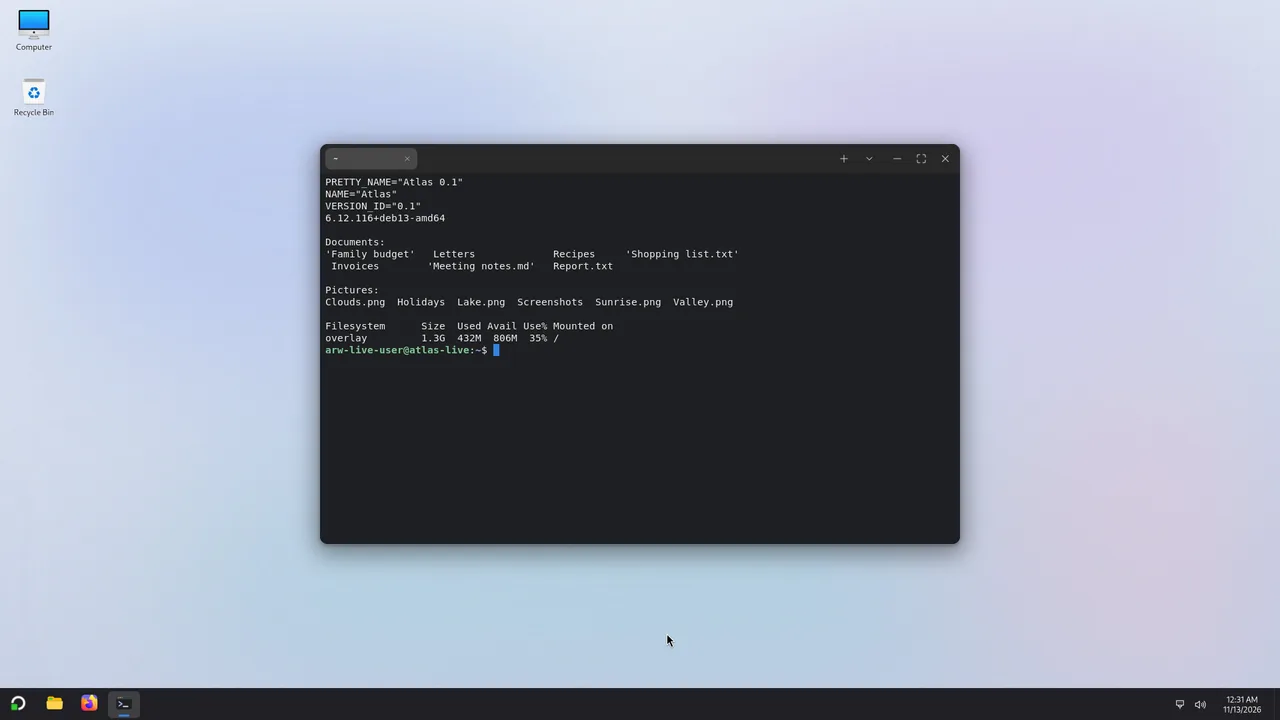
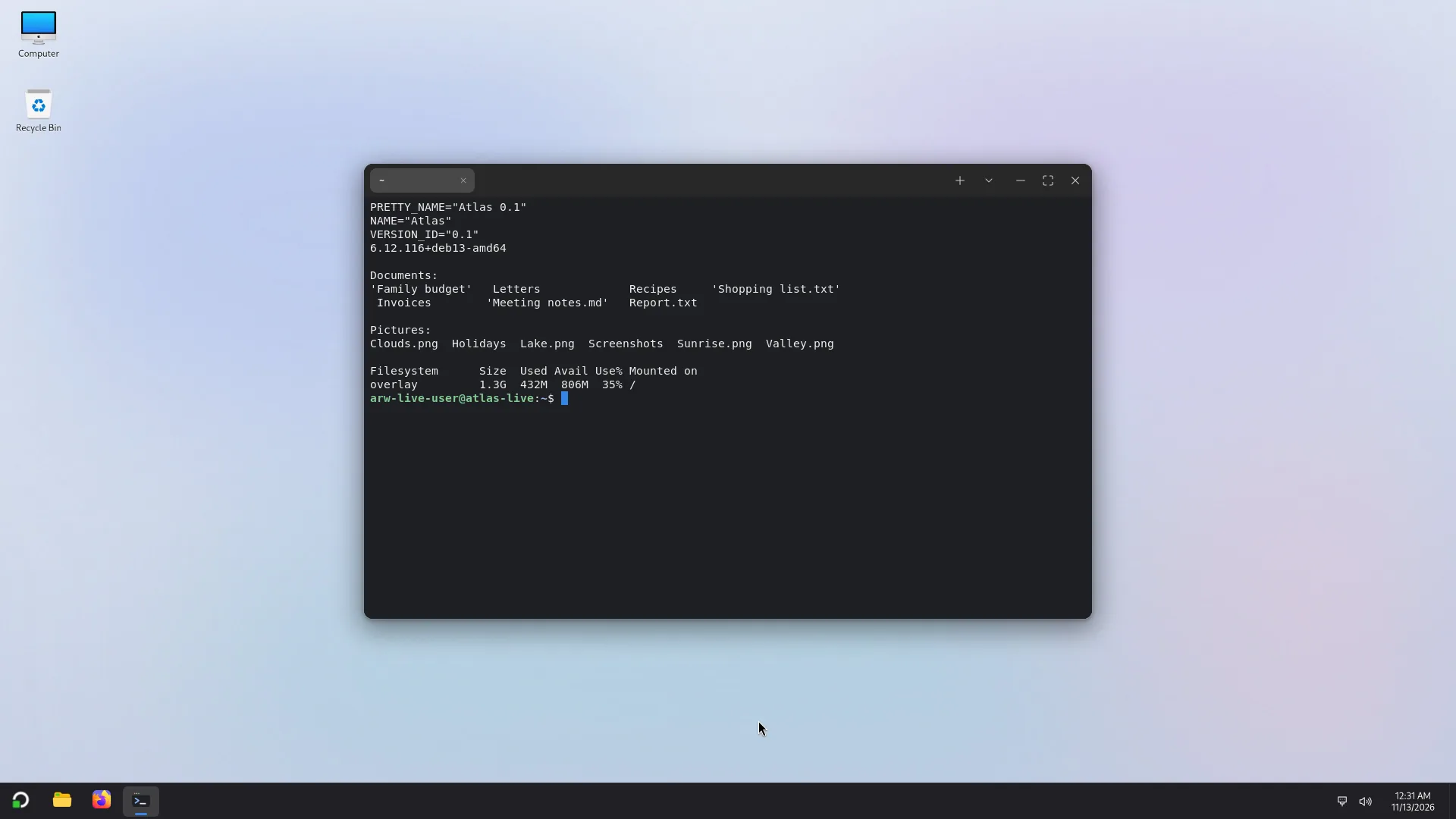
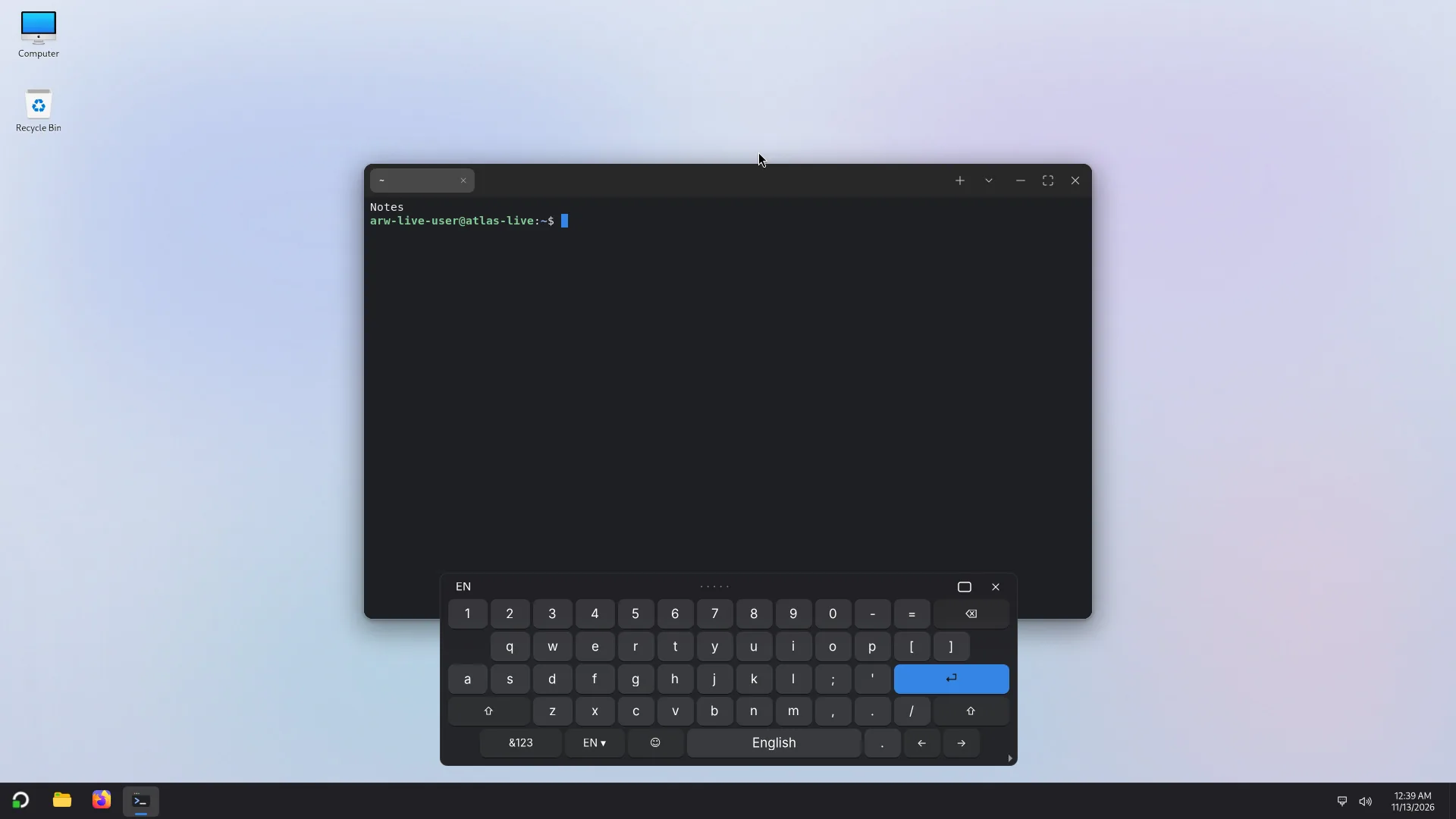
Terminal, with tabs. 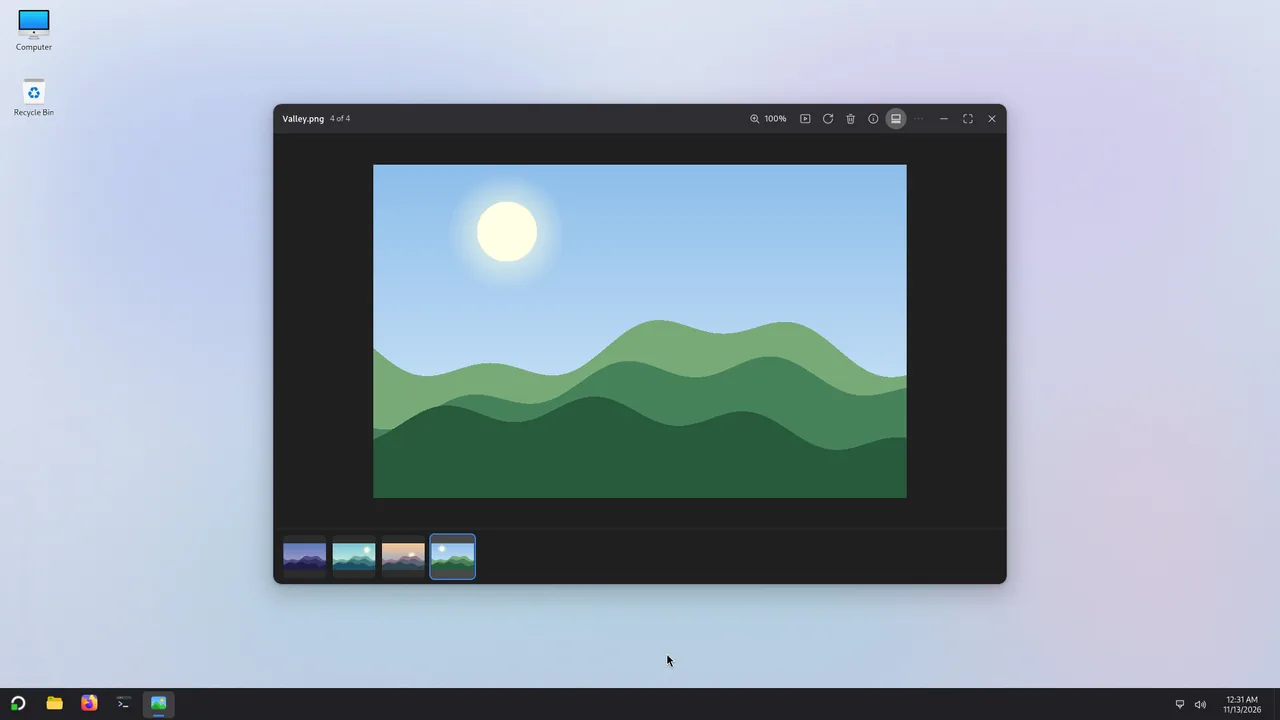
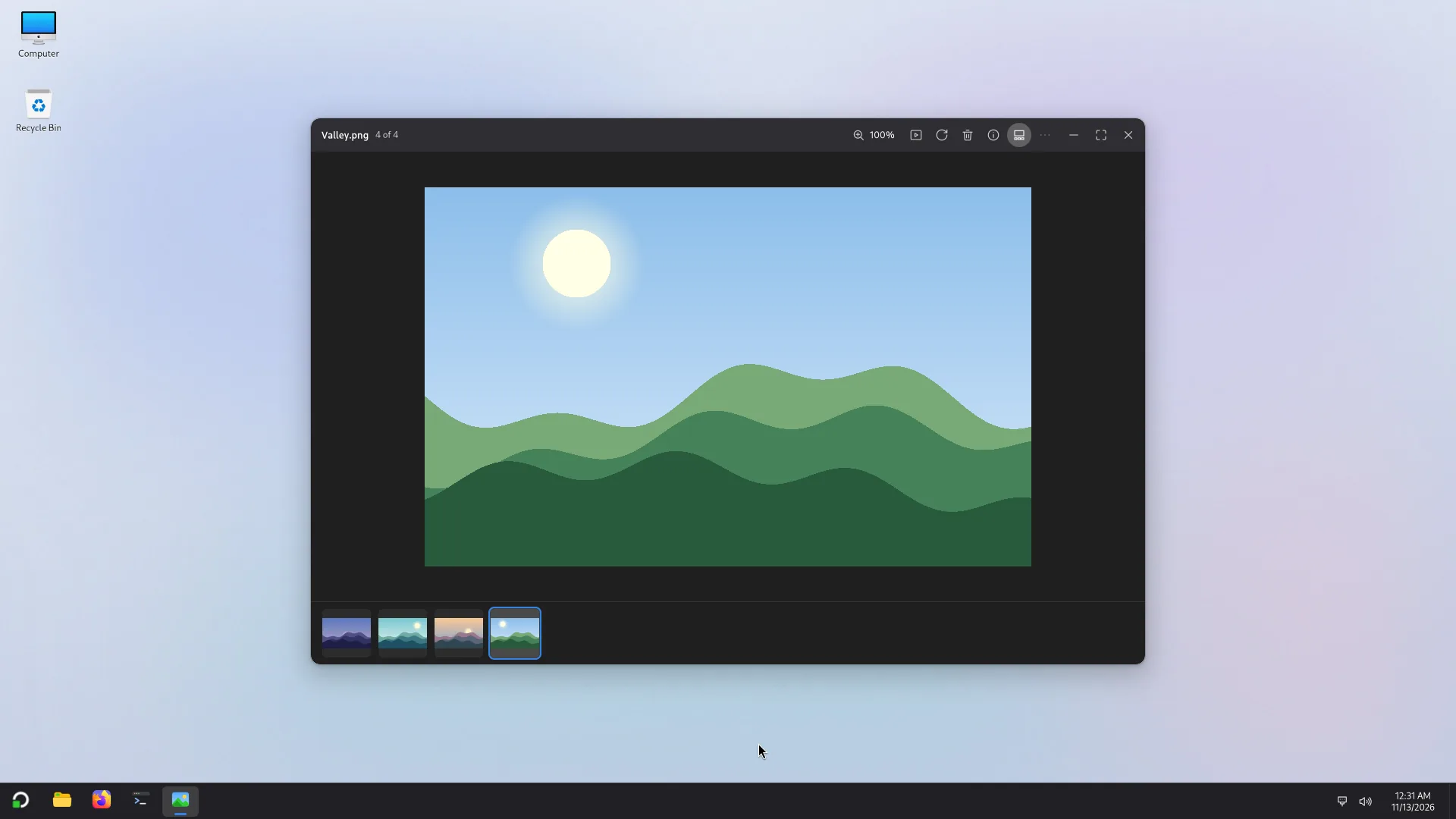
Photos: view a picture, with its folder as a strip below. 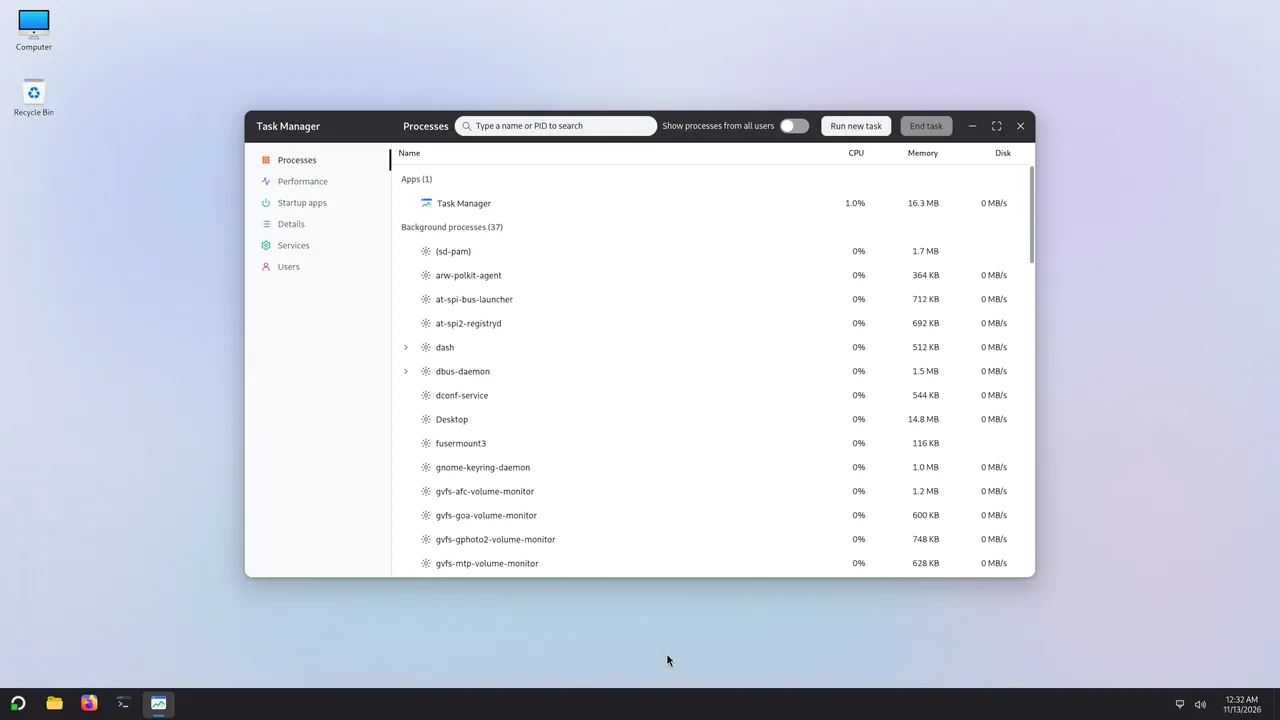
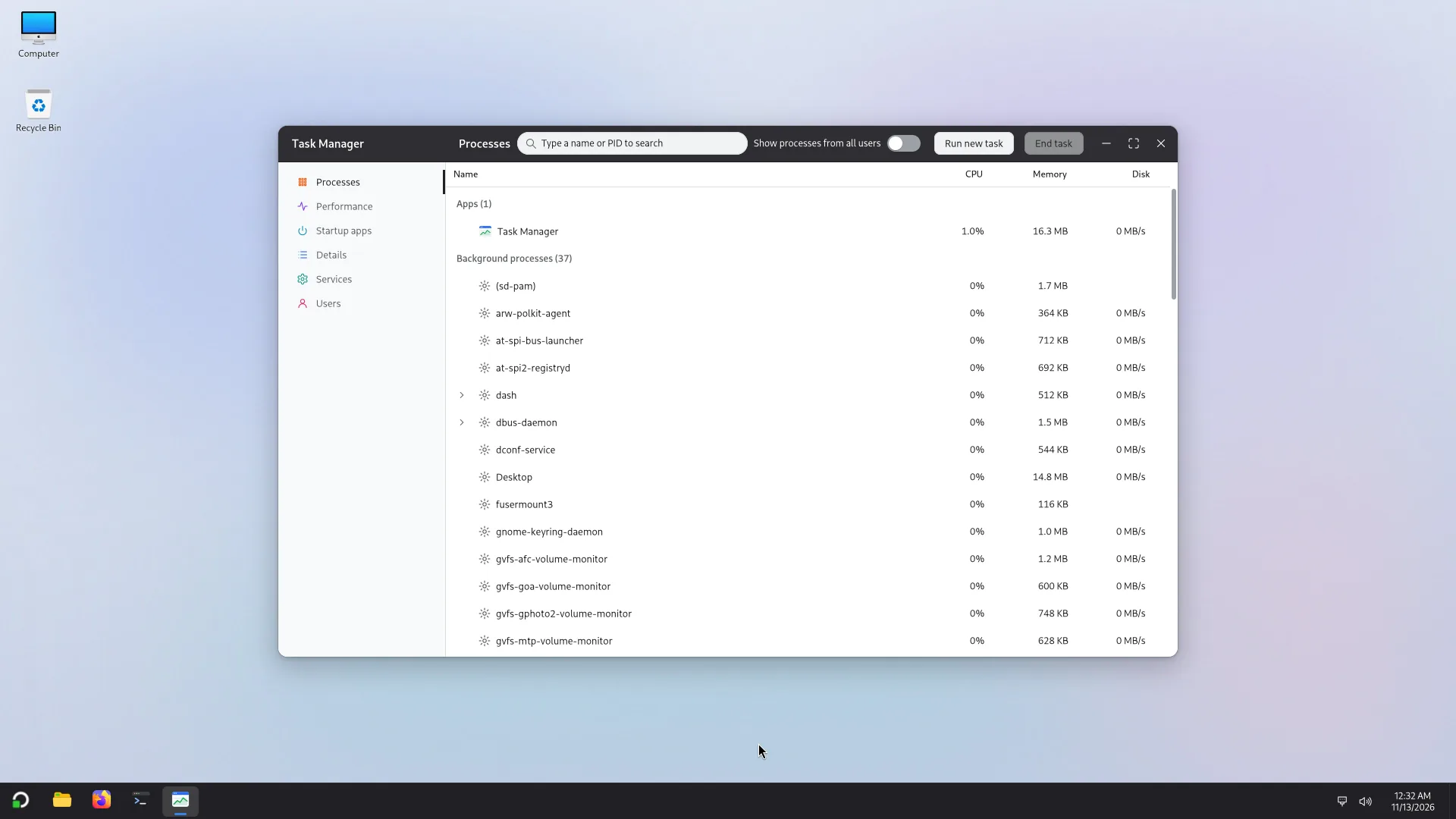
Task Manager: what runs, and how much it uses. 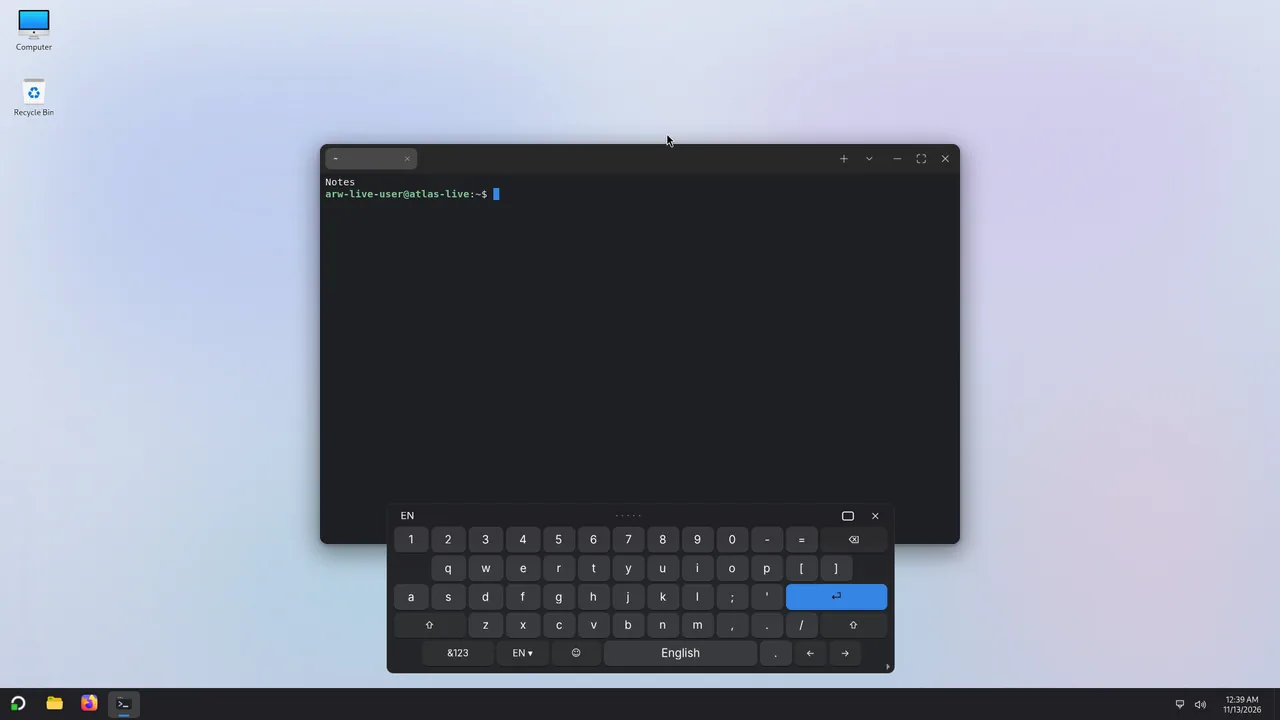
The on-screen keyboard, for touch screens. 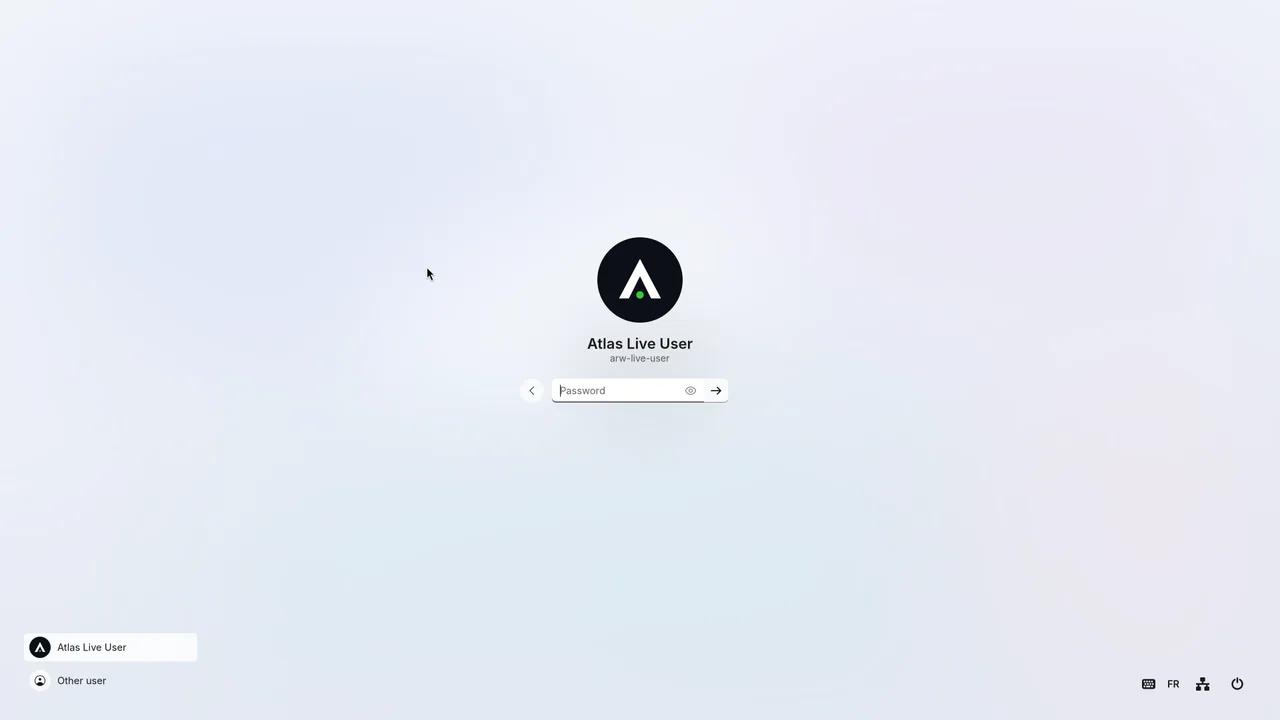
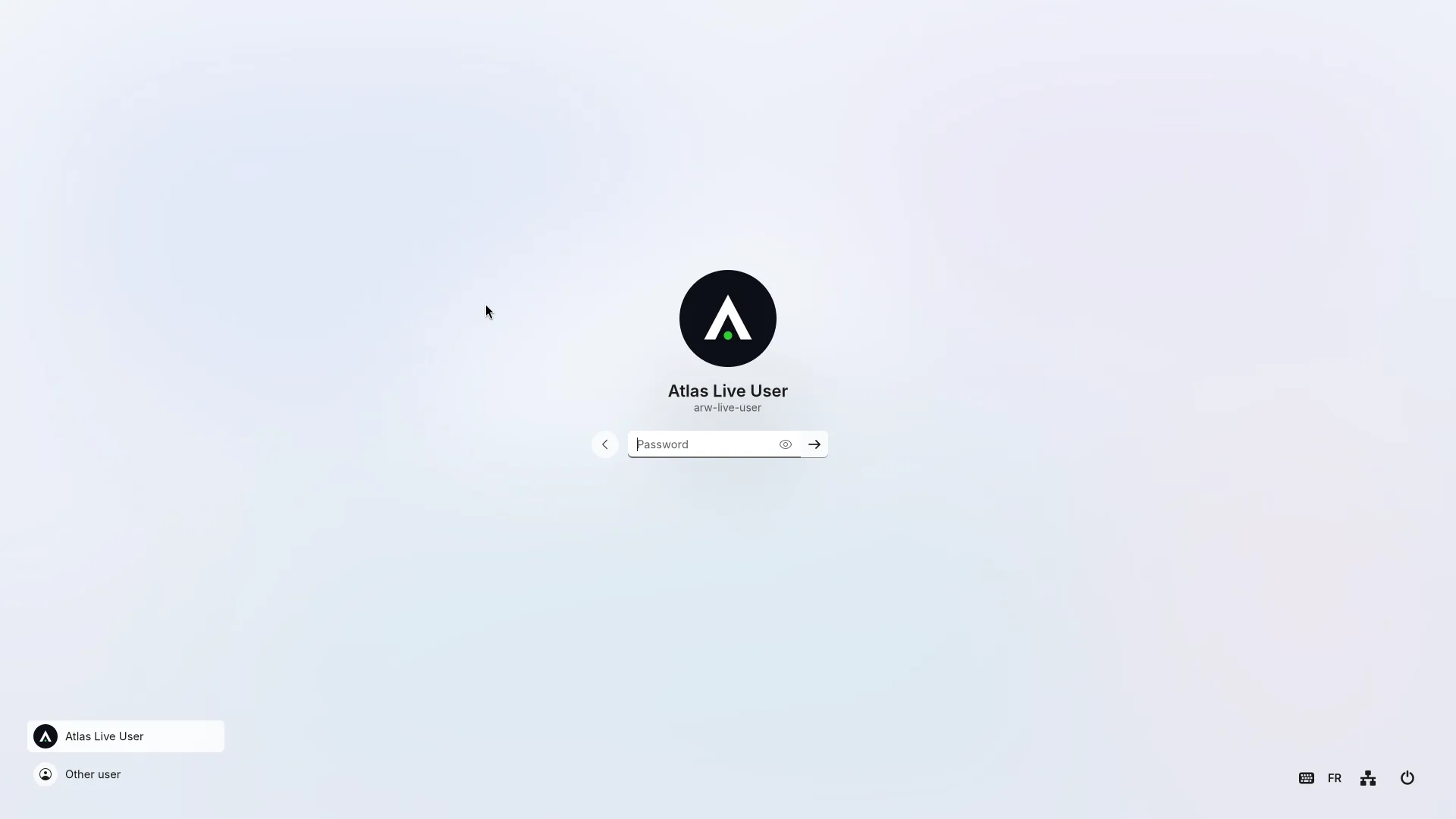
The sign-in screen. 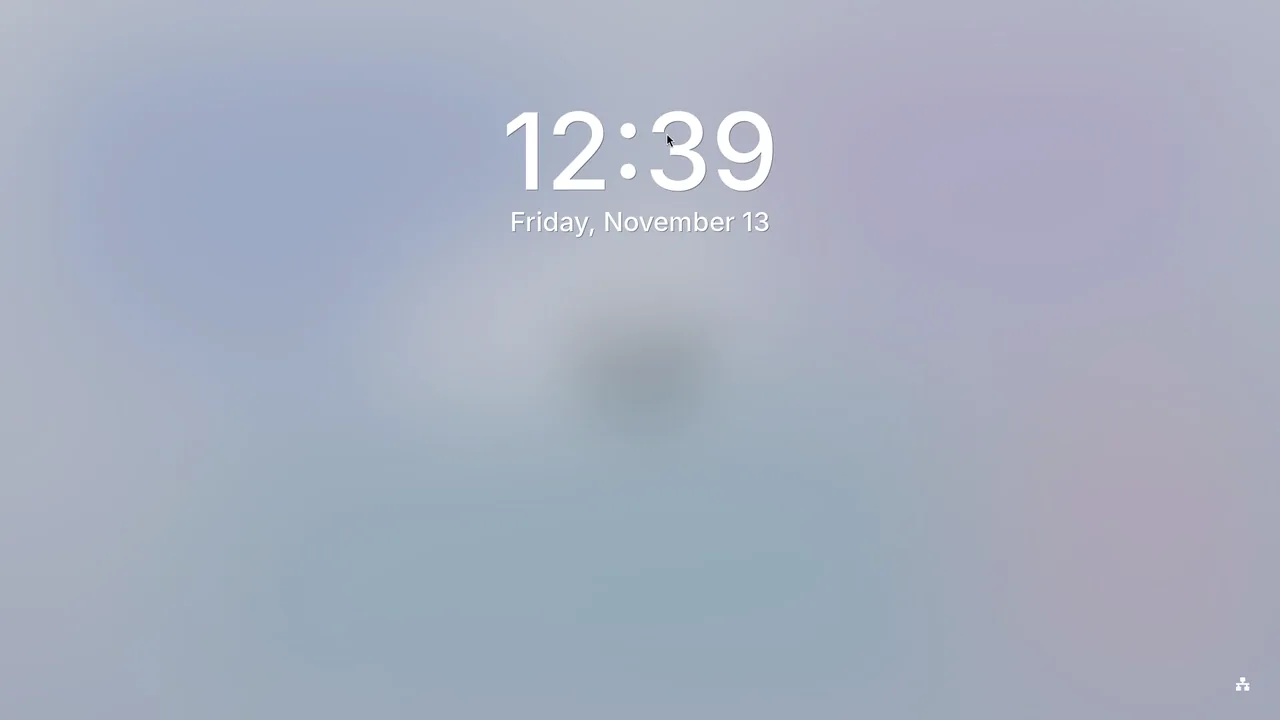
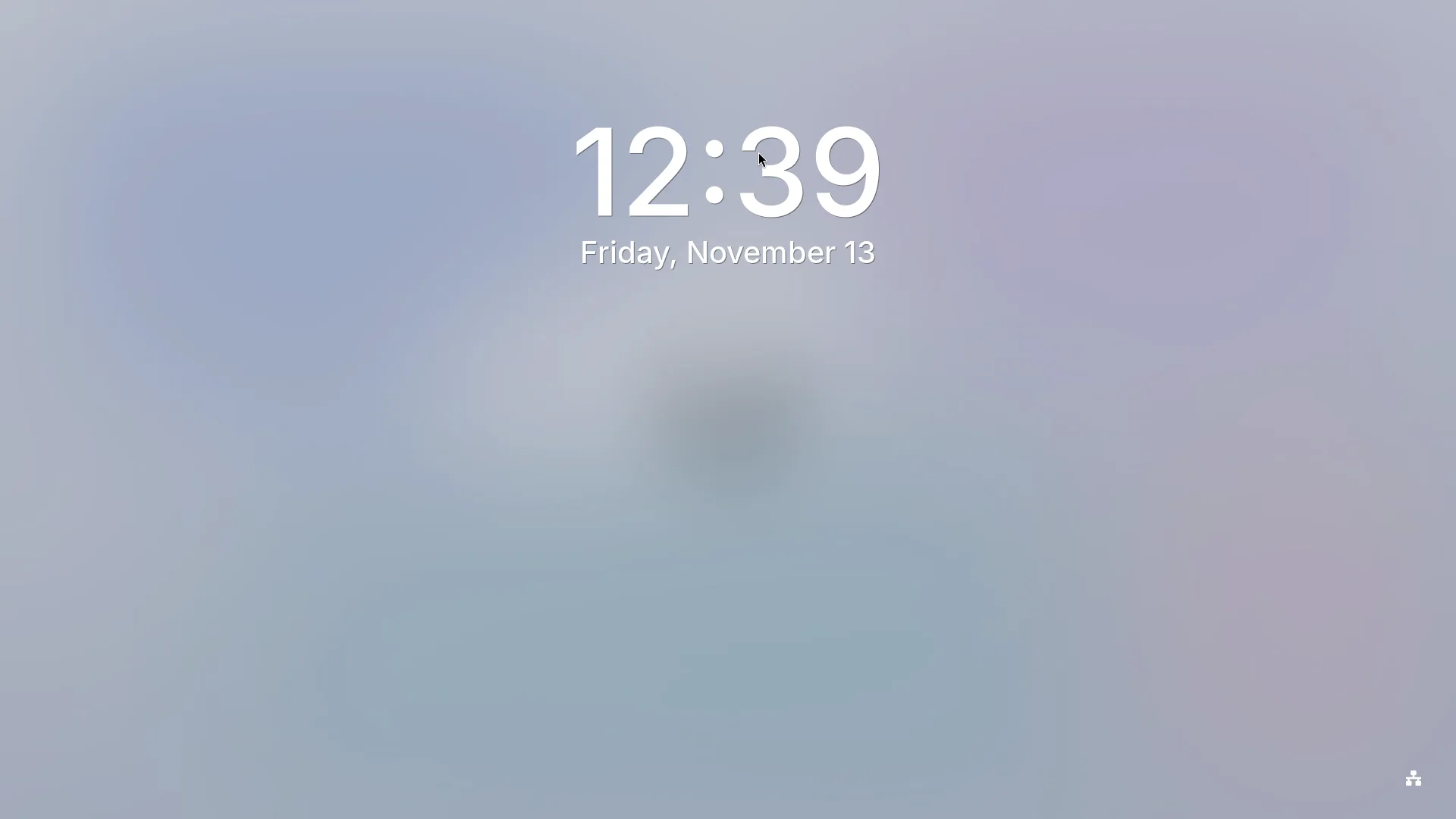
The lock screen. 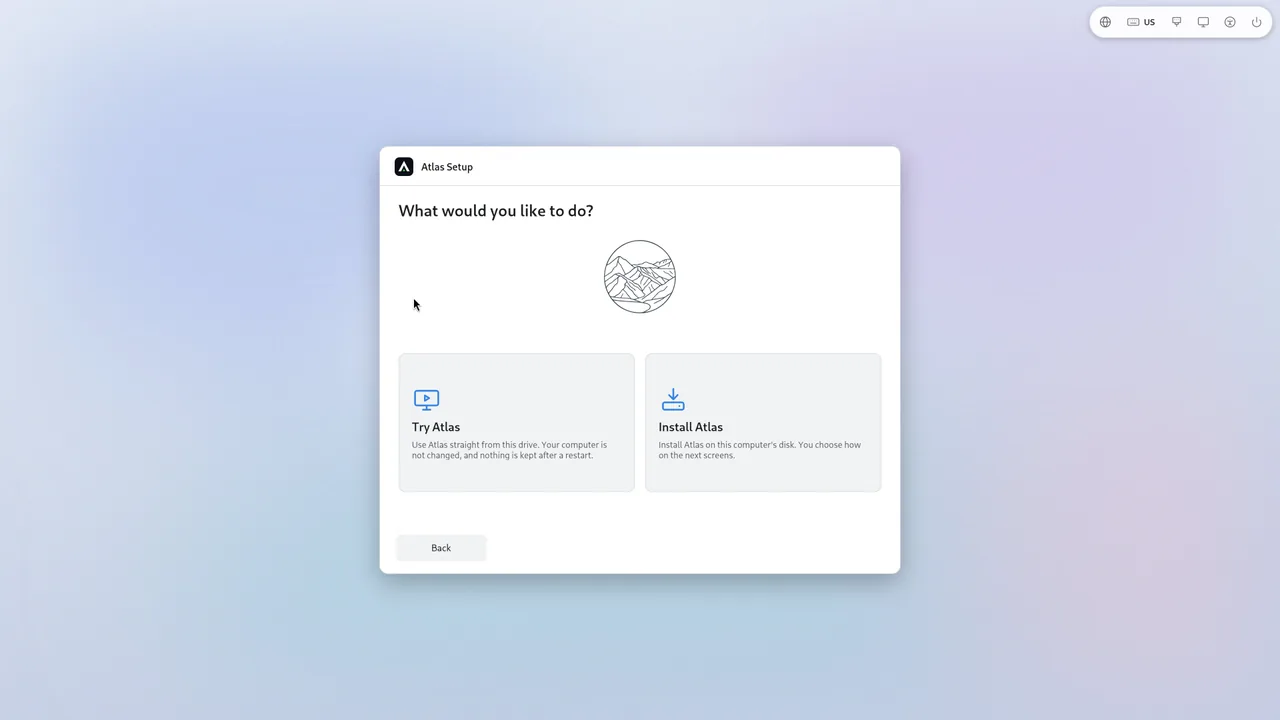
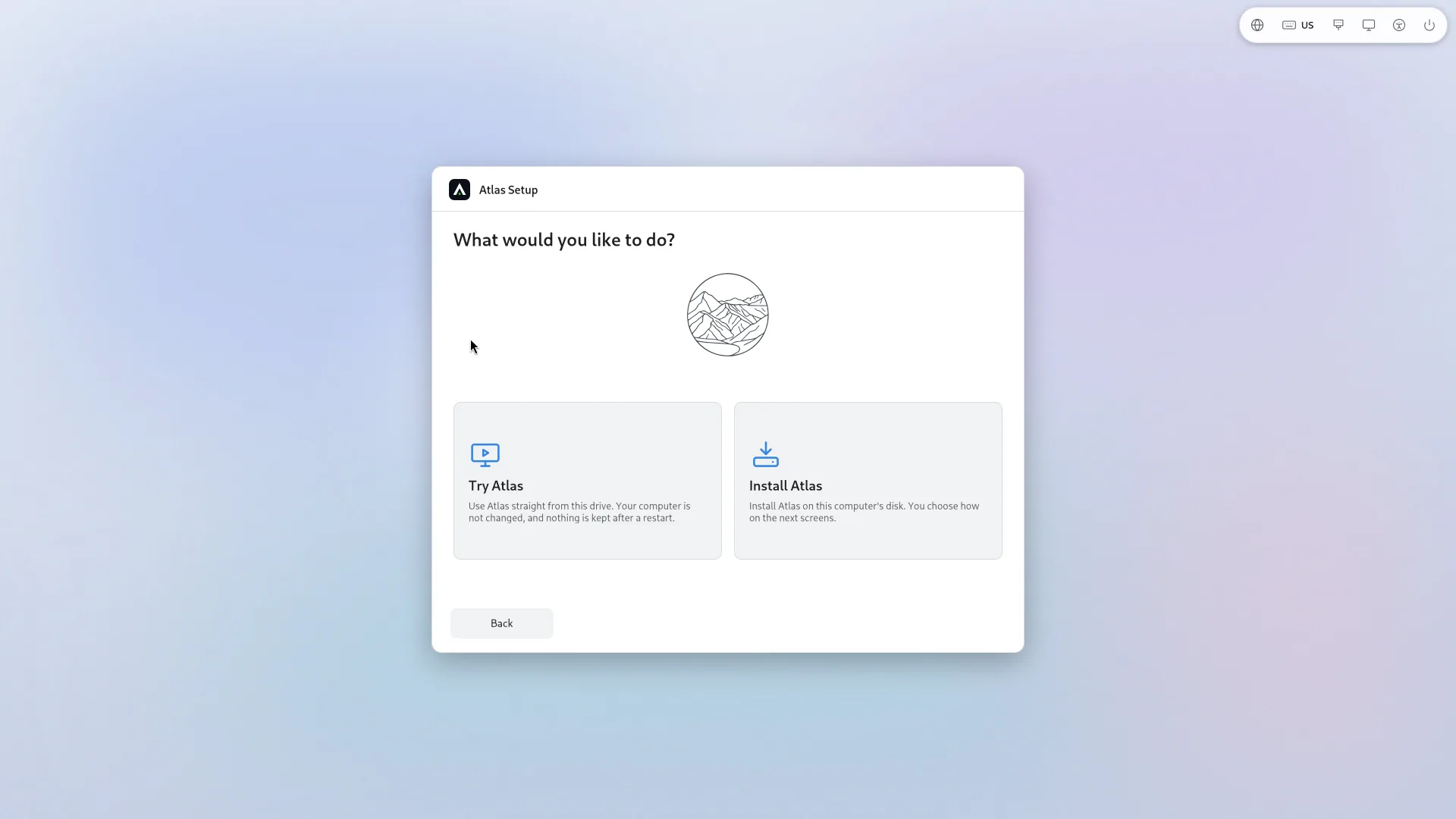
Atlas Setup: the first screen, in your language. 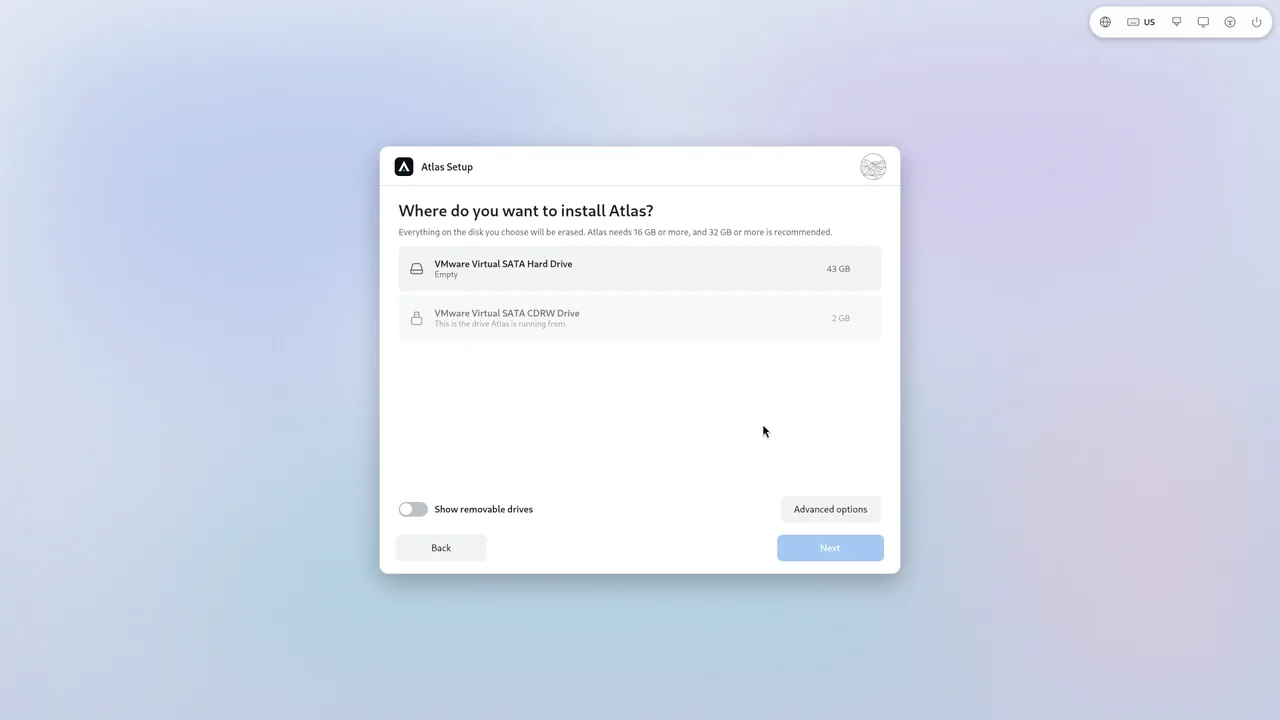
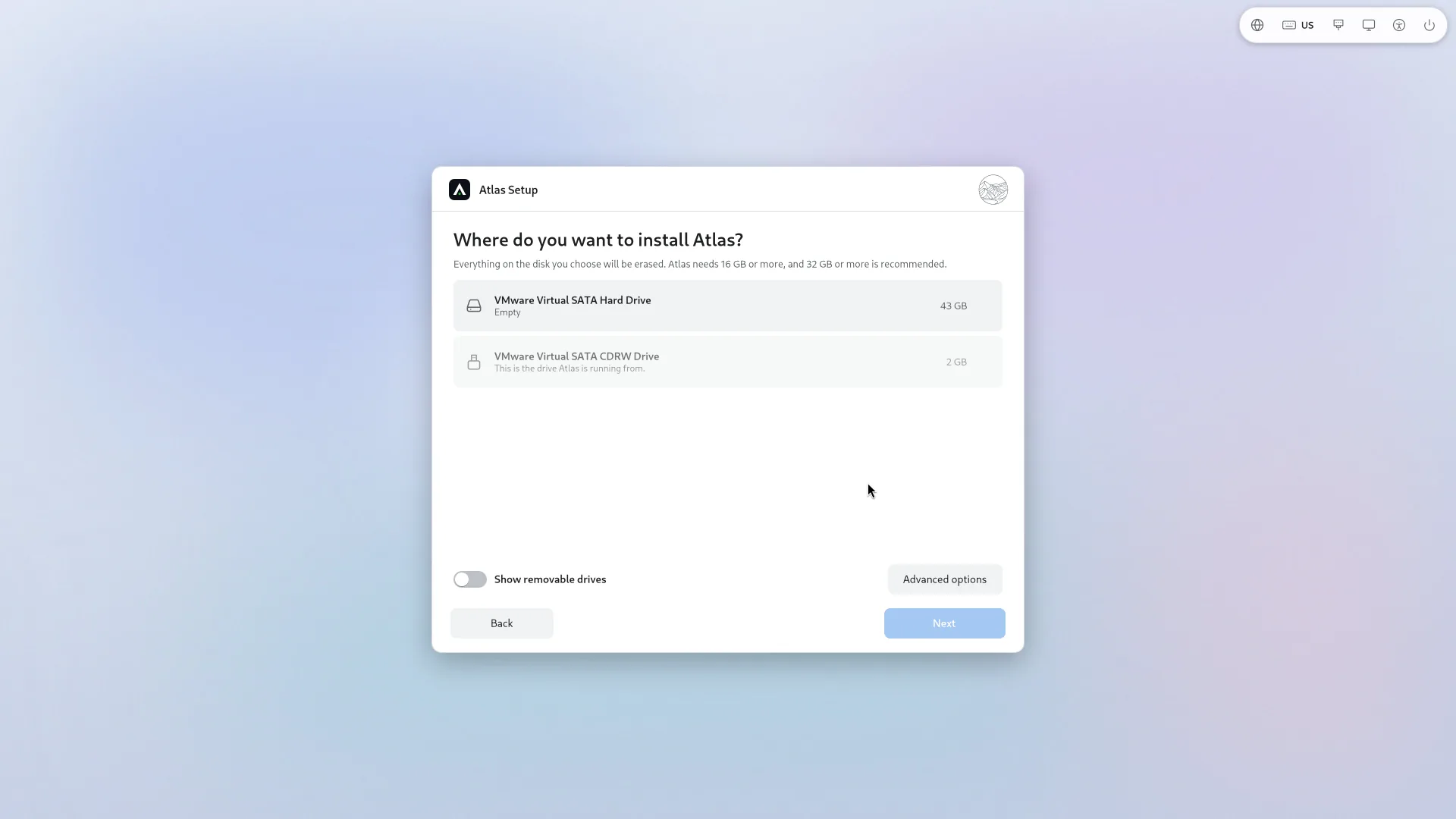
Atlas Setup: choose the disk. 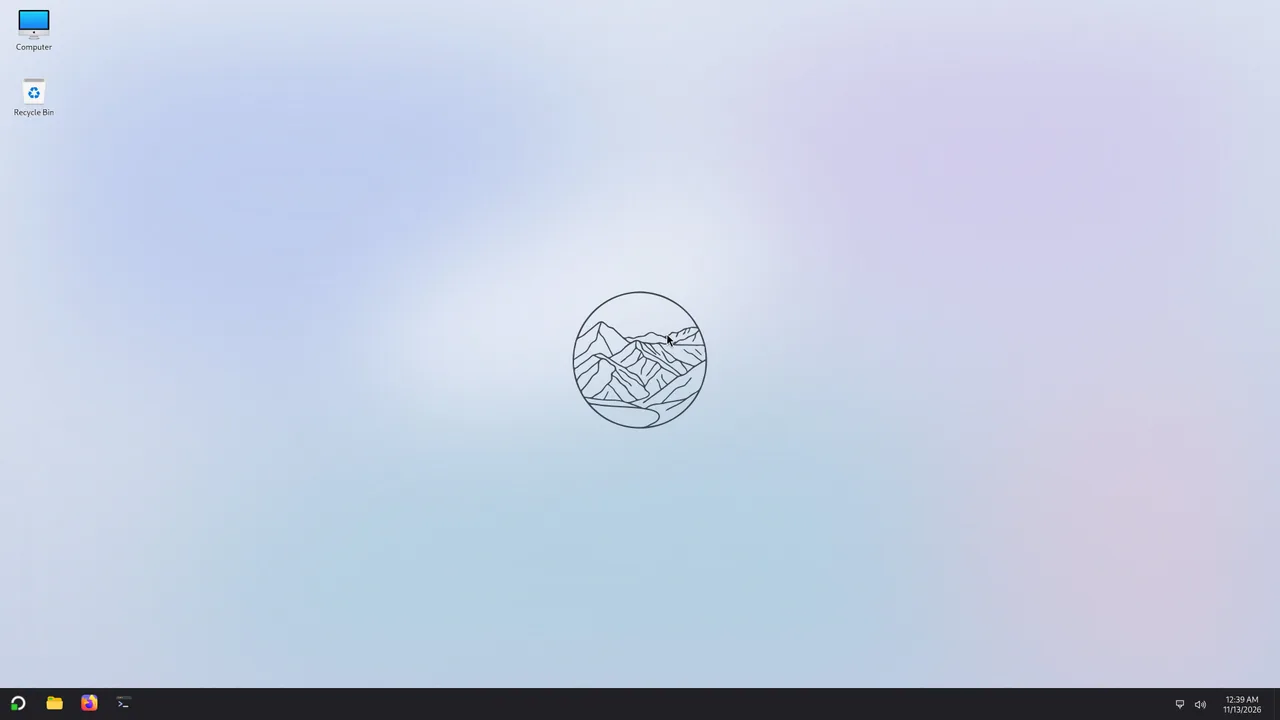
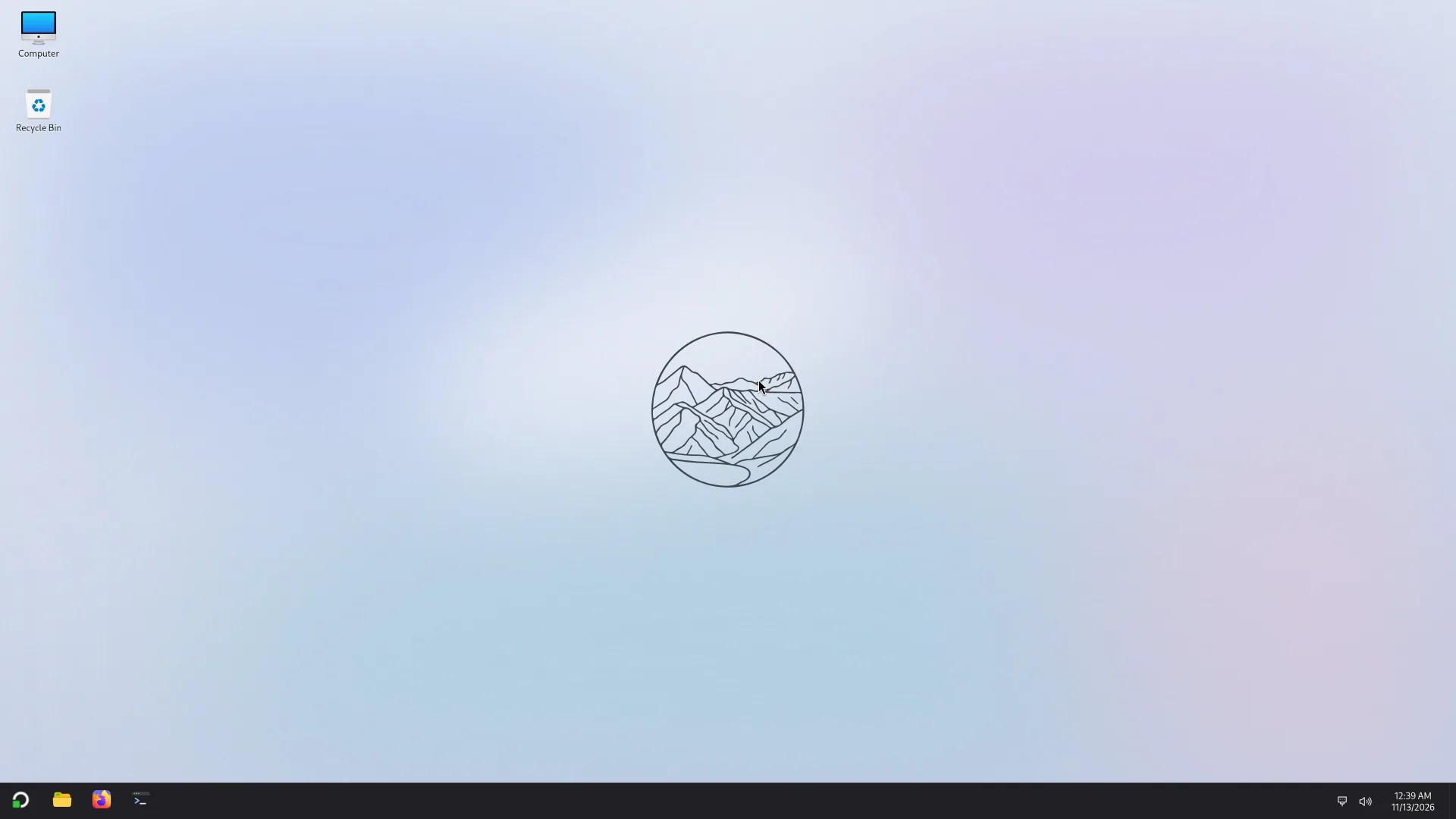
The desktop: taskbar at the bottom, Computer, Recycle Bin, wallpaper.
Taken from a test image before version 0.1; small details may change.