Get started
What Atlas is, and what to know before you try the testing build.
A testing build, not even a beta
This is a testing build of Atlas, to try in a virtual machine or on a spare PC. Some things are missing and others are rough. Do not install it on a computer you depend on. Atlas 0.1 itself is planned for early 2027.
What is Atlas?
Atlas is a Debian 13 system with a light desktop and its own apps: Start, the taskbar and quick settings, Explorer, Settings, Software, Terminal, Photos, Task Manager, an on-screen keyboard, and the sign-in and lock screens. It comes in French, Arabic and English.
Atlas is made for modest computers and for several people on one PC: you can even open apps as other accounts, side by side on the same screen (see Several accounts).
The way, in short
Check the requirements: what you need.
Download the image and check it.
Write it to a USB stick (8 GB or more: its contents will be erased).
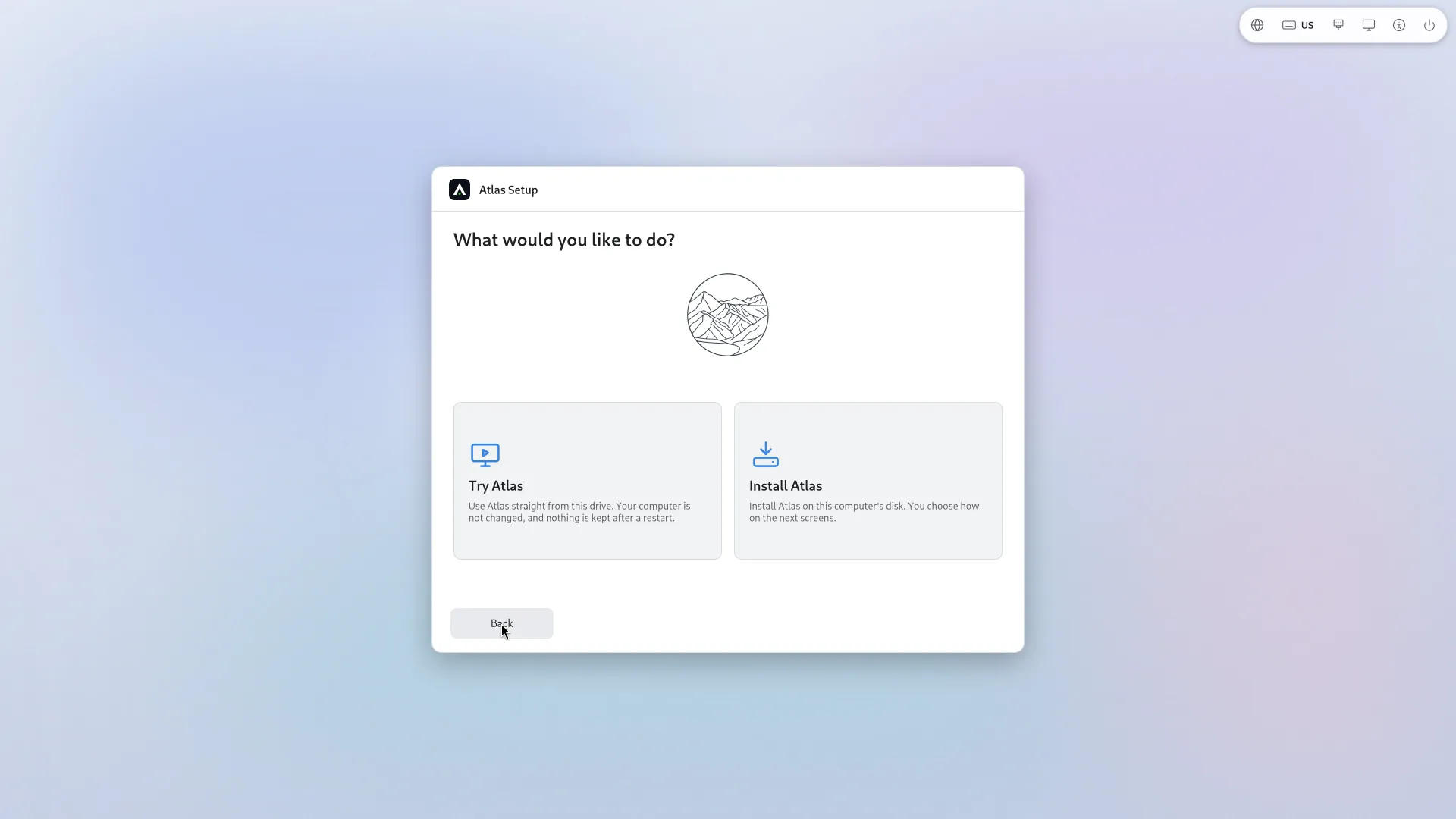
Start from the stick and choose Try Atlas. Nothing on the computer is changed.
If you like it, install: on the whole disk, next to Windows or into free space. You can encrypt the disk.
Finish with the first start, and read the known issues.
Nothing makes you install. Try Atlas lets you look at everything without changing anything, and nothing is kept after a restart.